







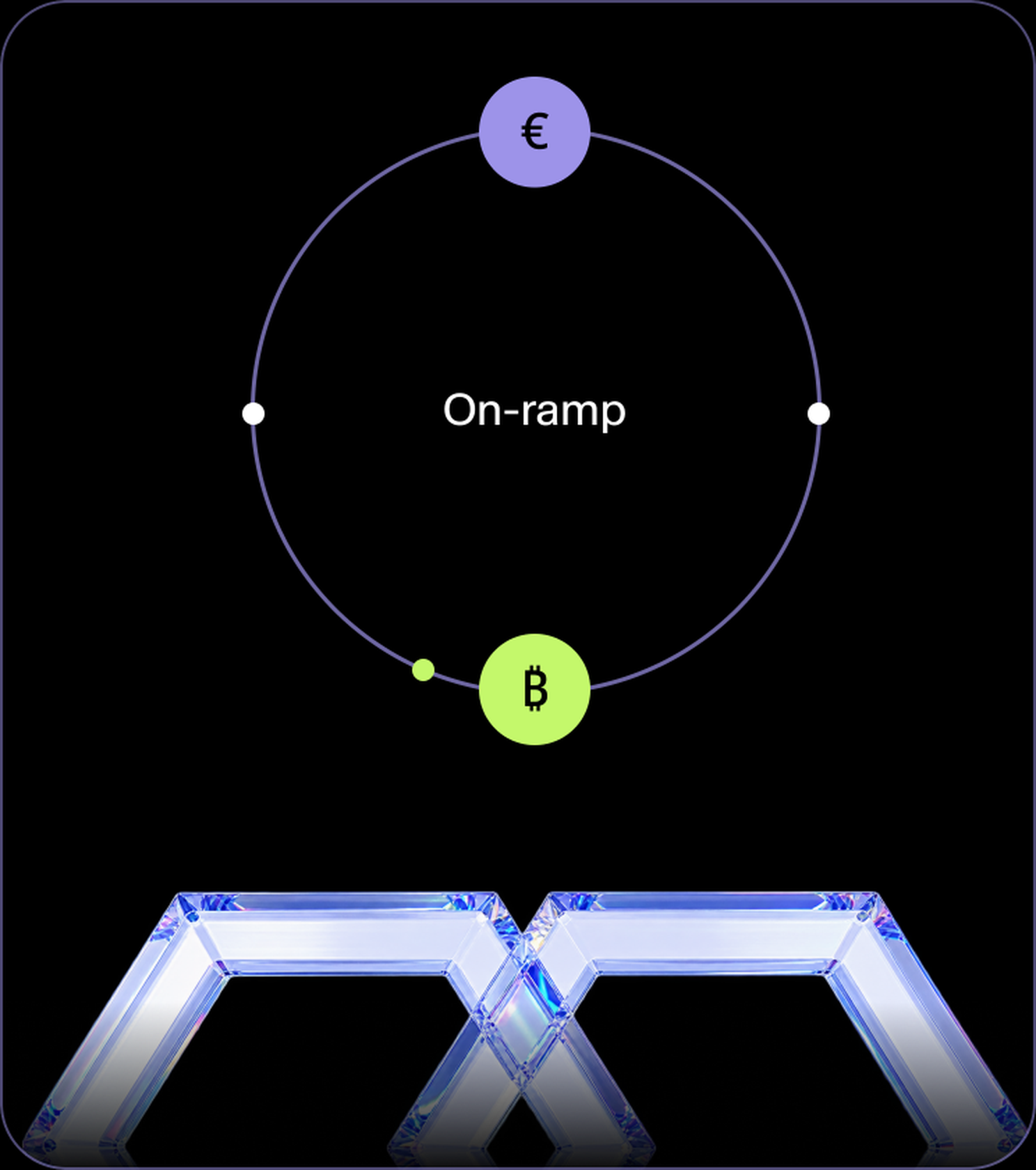
No crypto yet?
On-ramp lets you buy with regular money instead.
Go to On-rampSend crypto from any external wallet or exchange. Pick a wallet, match the asset and network, send. The balance credits once the network confirms.
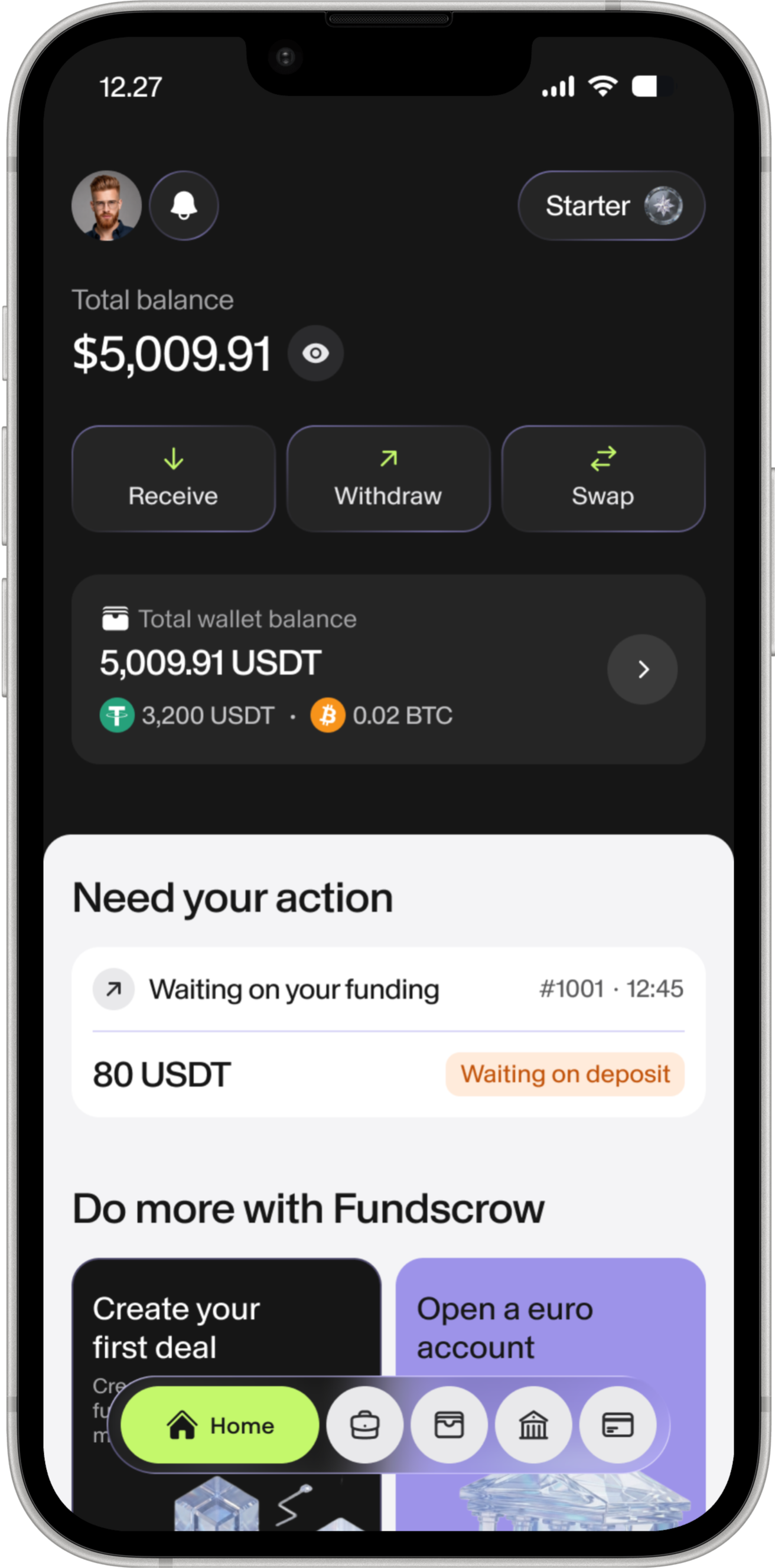
The address you get matches one asset on one network. USDT on TRON and USDT on Ethereum use different addresses. Check both sides before you send.
 LTC
LTC XLM
XLM XMR
XMR BTC
BTC ETH
ETH USDT
USDT
A deposit only counts once the blockchain says so. Here is what protects it on the way.
The address and QR are generated in the app. Copy them, don't type them.
A memo field appears wherever the network requires one.
Pending deposits stay visible, with their transaction hash attached.
Balances credit only after network confirmations, never before.
Account access is protected by two-factor authentication.
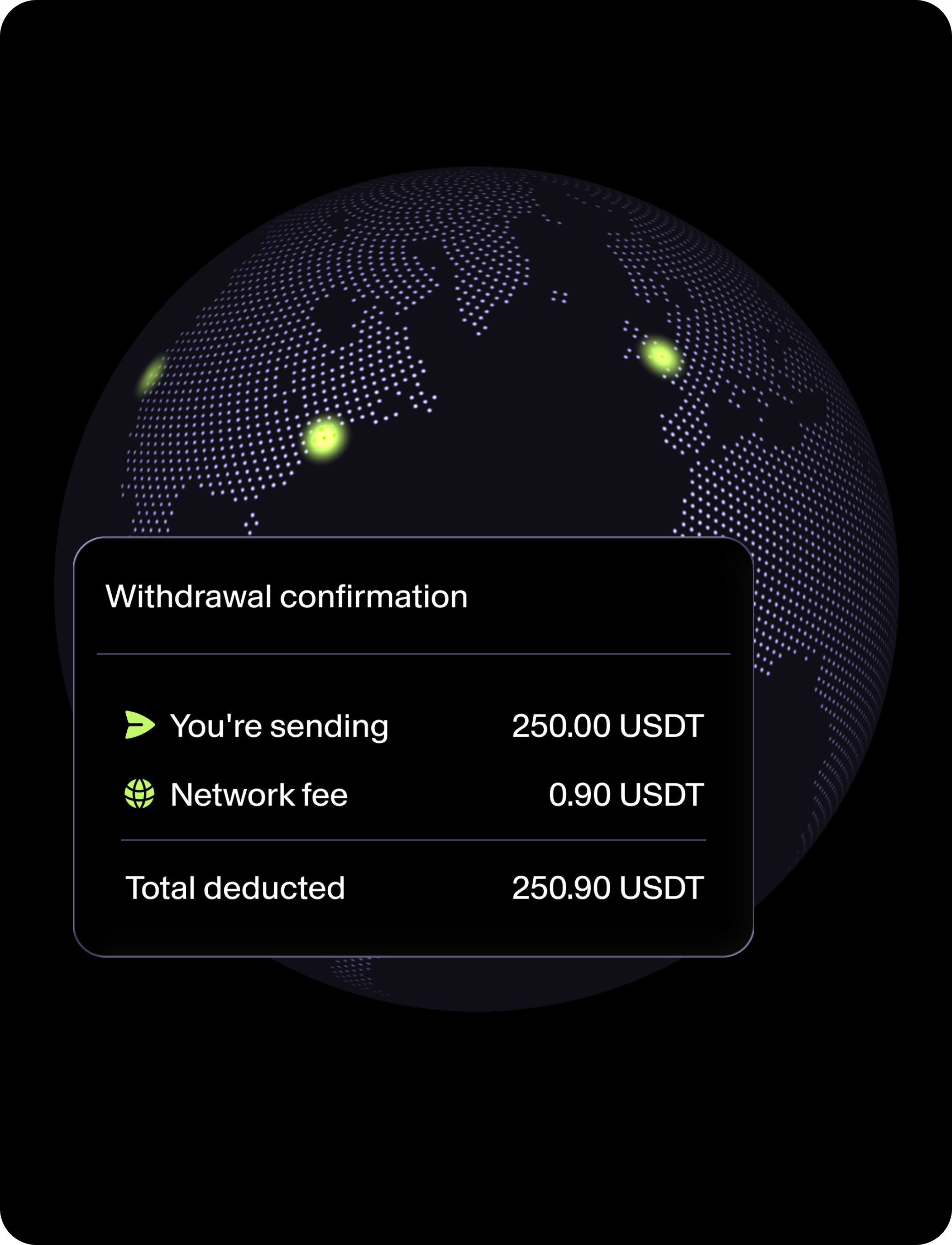
Blockchain fees are paid by you, not absorbed by us. Every platform works that way - we just say it upfront and show the maths. The quote breaks out what you're sending, what the network takes and what leaves your balance.
Fees depend entirely on the network. TRON and Stellar are cheap. Ethereum depends on gas at the moment you send.
On-ramp lets you buy with regular money instead.
Go to On-rampOn-chain withdrawal is the mirror of this page.
Go to WithdrawEscrow deals have their own funding flow inside the deal.
Go to Escrow
Pick a wallet, get the address, send. The balance credits once the network confirms.
Get crypto to your wallet