










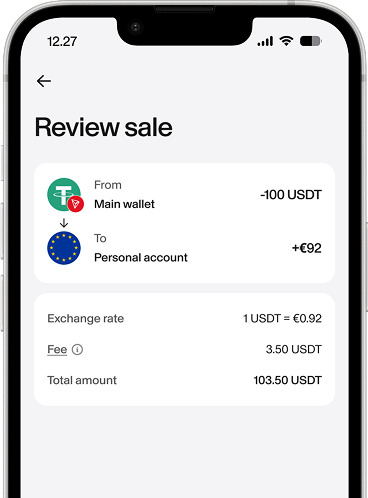













 Confirm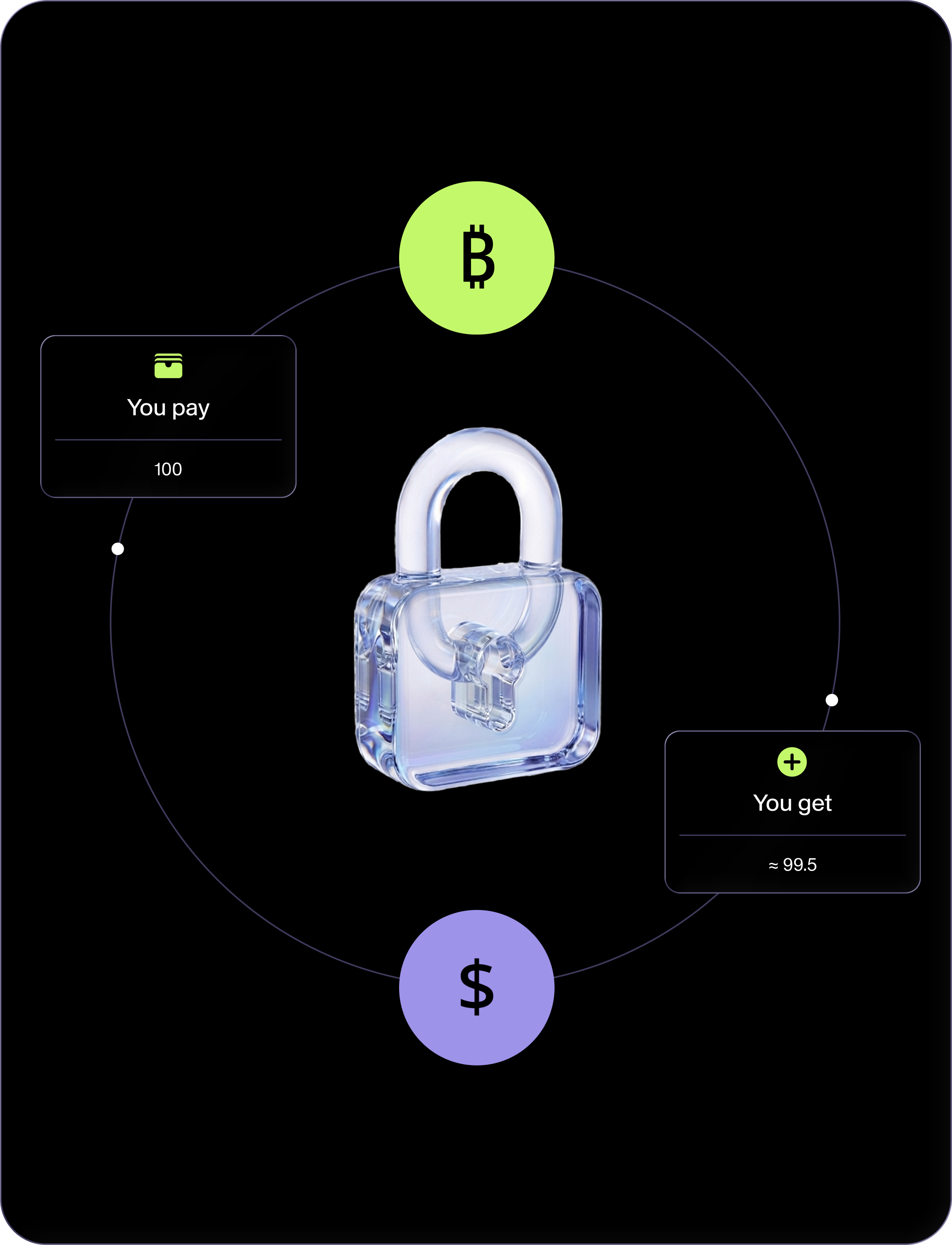

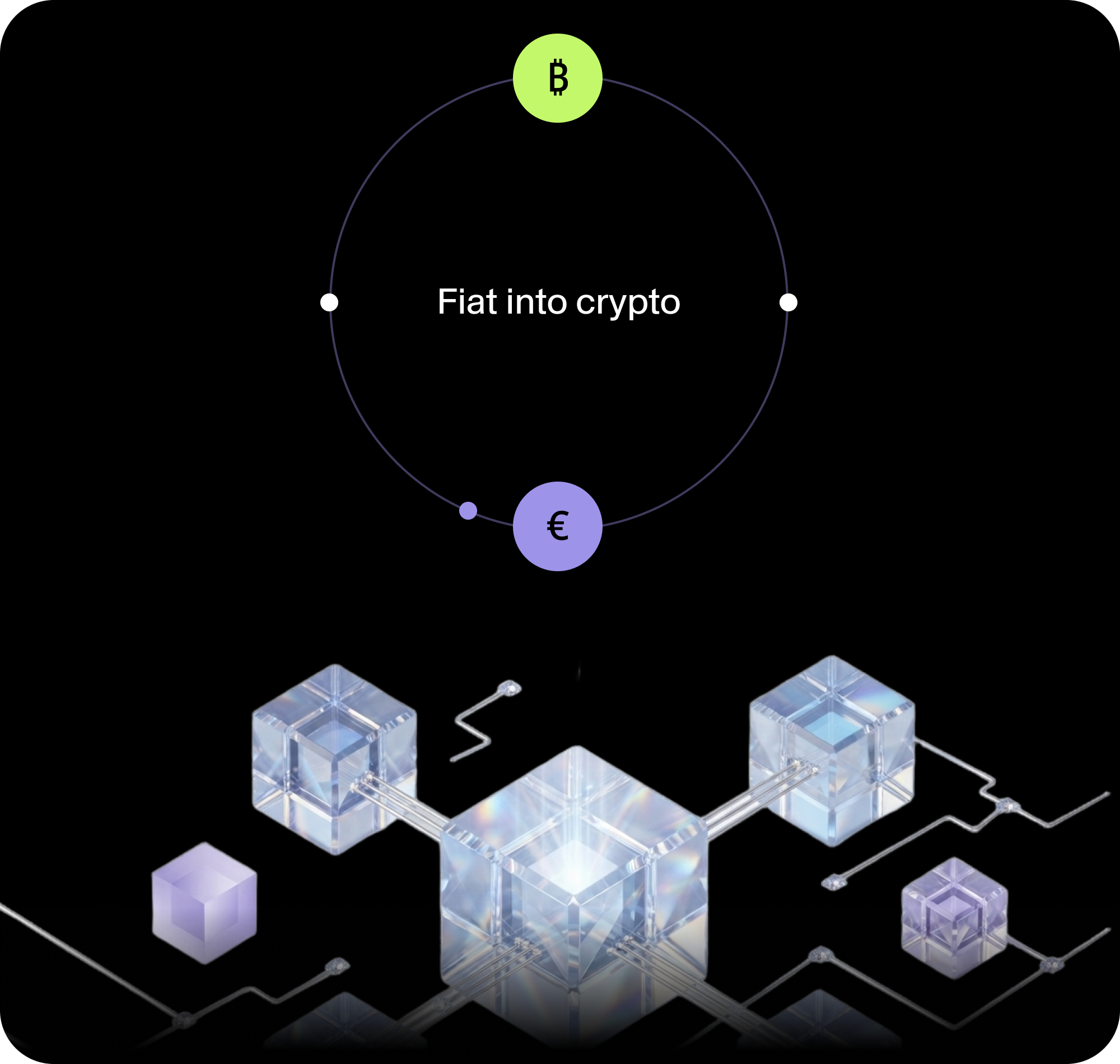
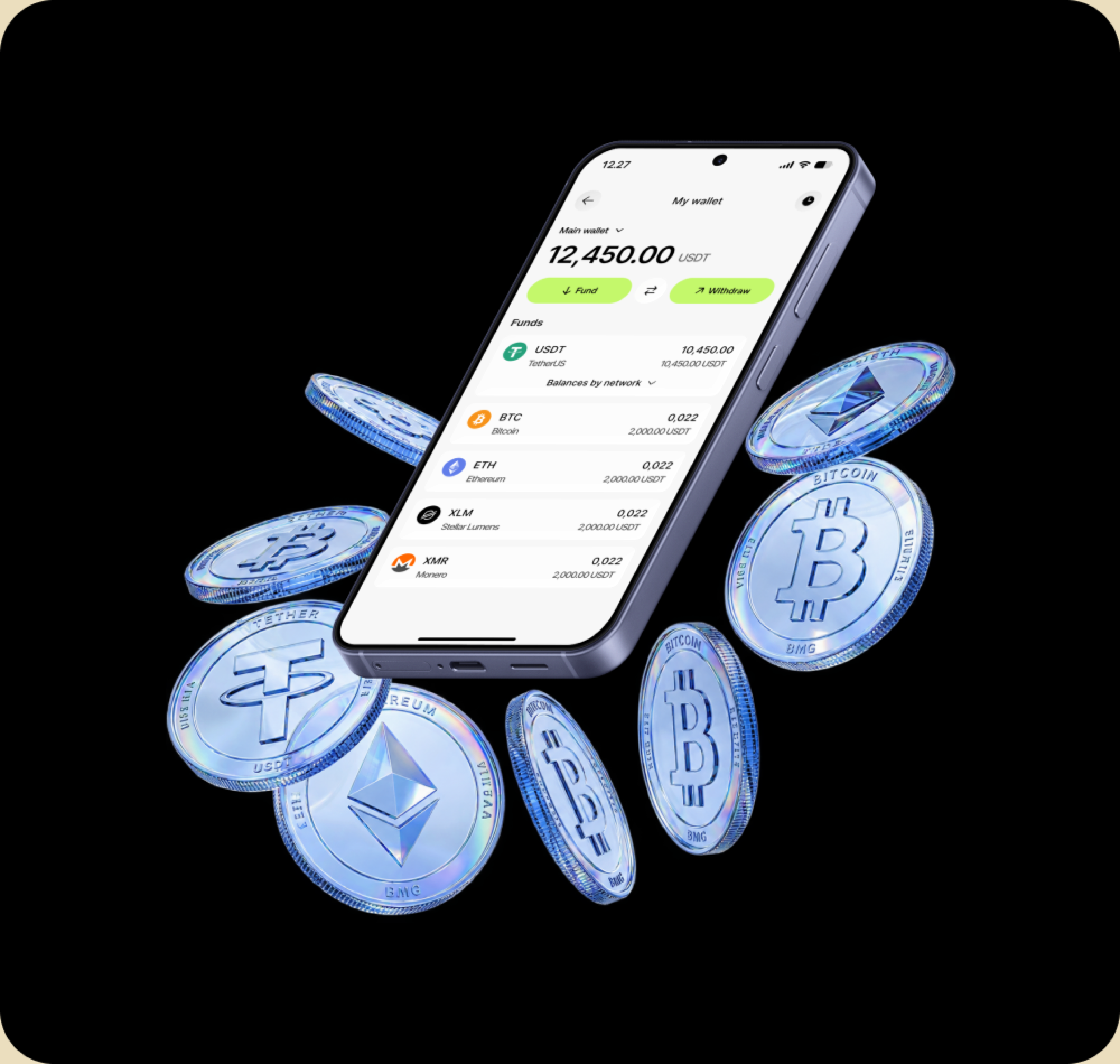
It is the route from ordinary money into crypto. You pay fiat and receive crypto on your Fundscrow balance.
Buy crypto with a card, inside Fundscrow
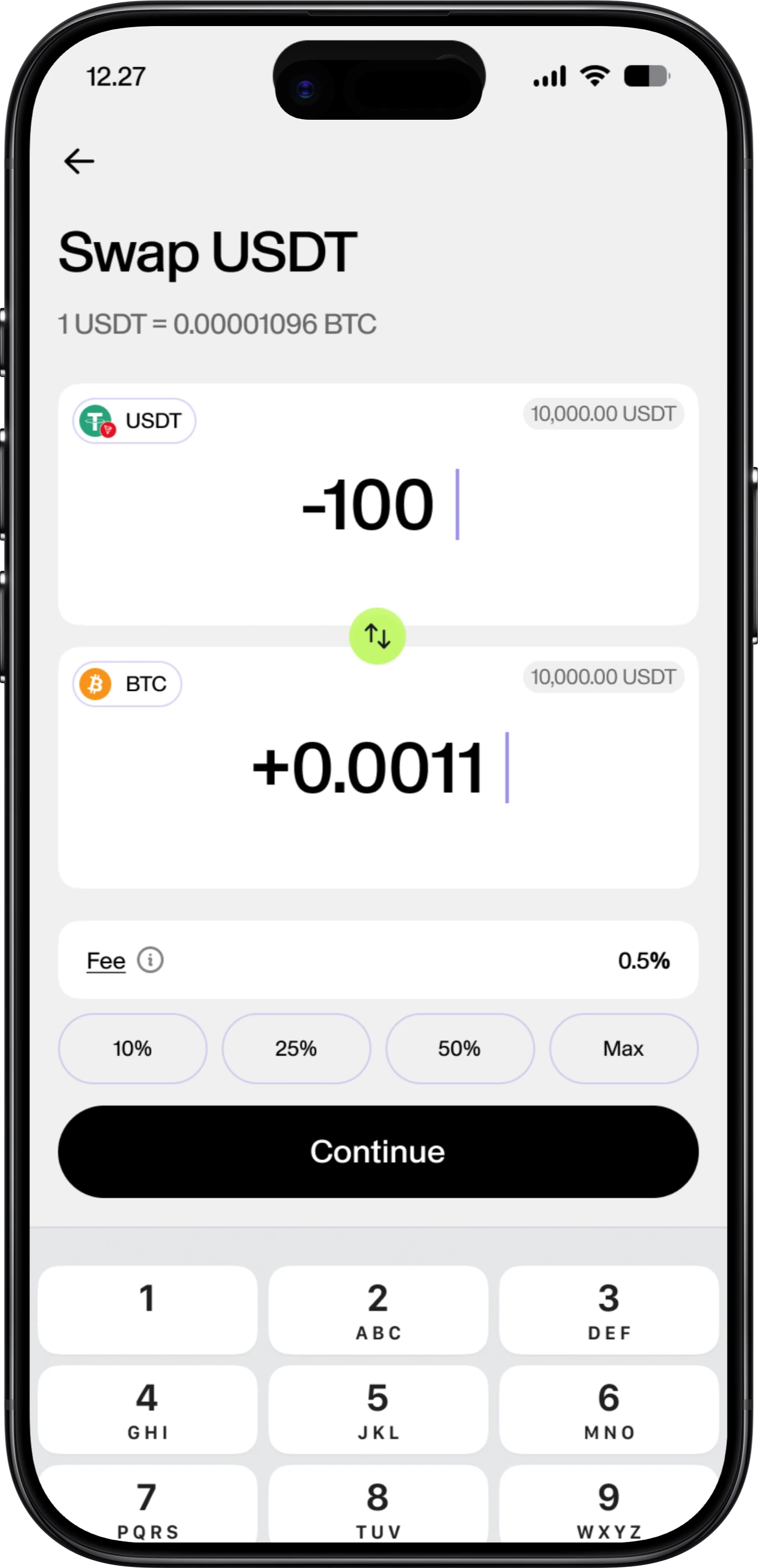
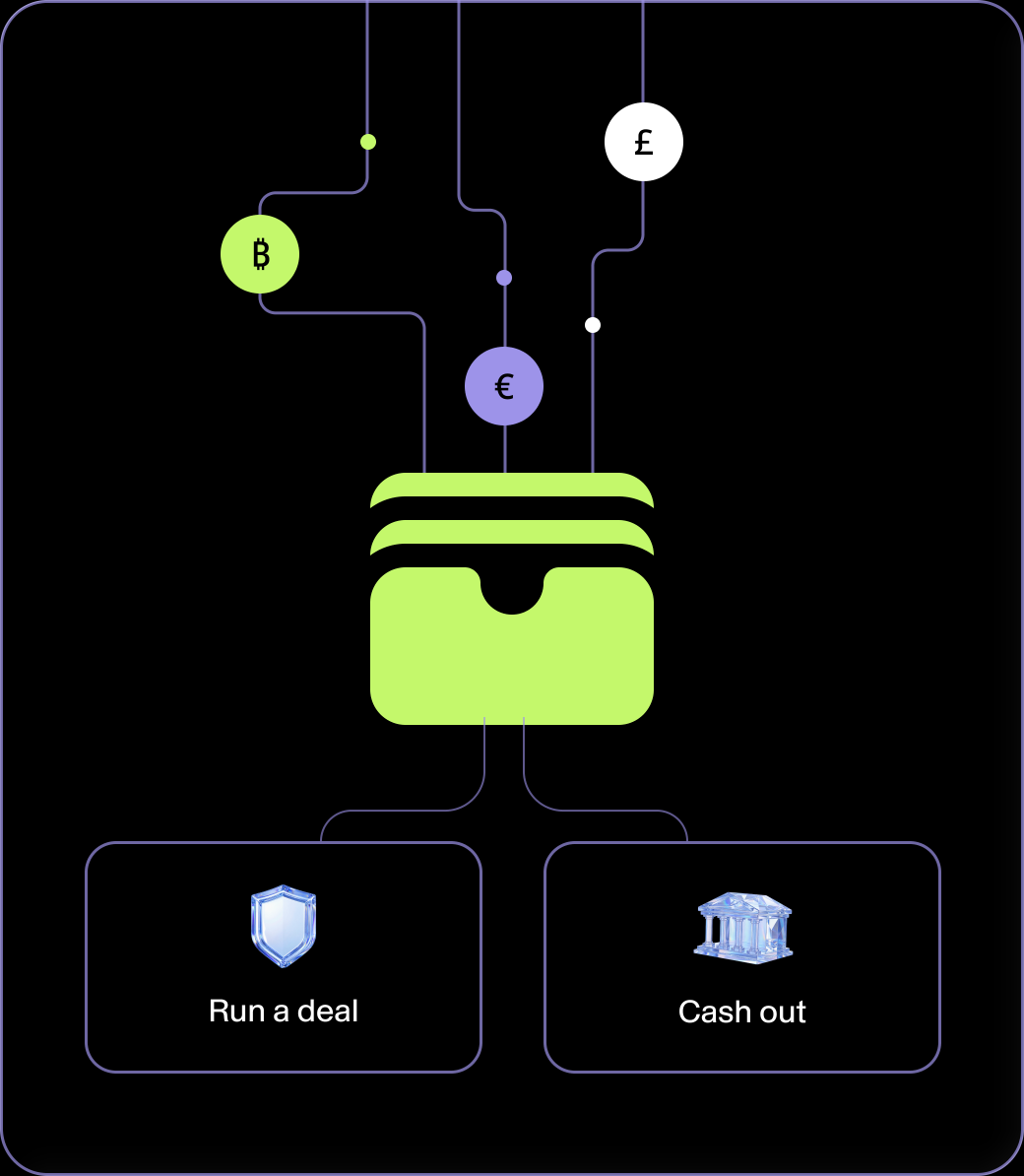
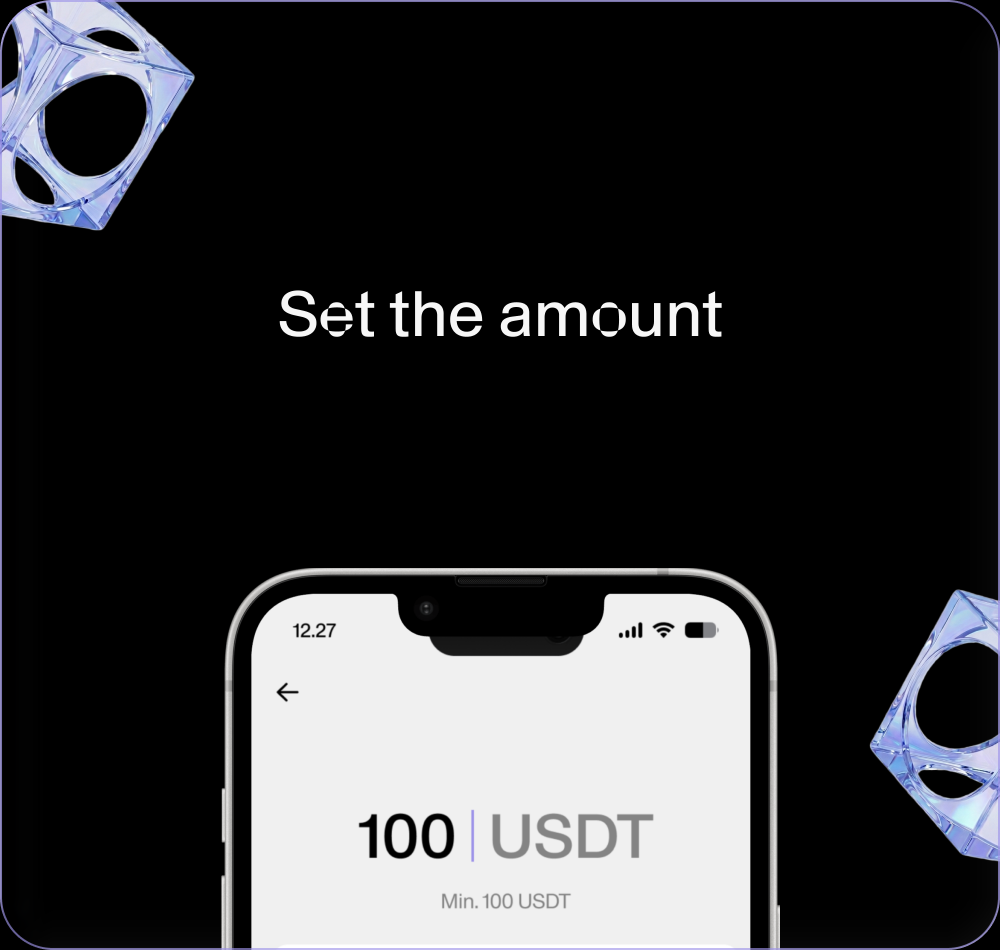
Turn fiat into crypto without leaving the app. Enter an amount, see what you'll get at the live rate, pay by card on the provider's secure page. The crypto lands on your balance - ready to hold, run a deal, or cash out.
Fiat to cryptoPay by cardCard details never touch FundscrowEstimate shown before you payLands in your wallet
The numbers, before you commit
No rolled-up total. The figure before you confirm is an estimate at the current rate. Your confirmation shows the exact amount you received.
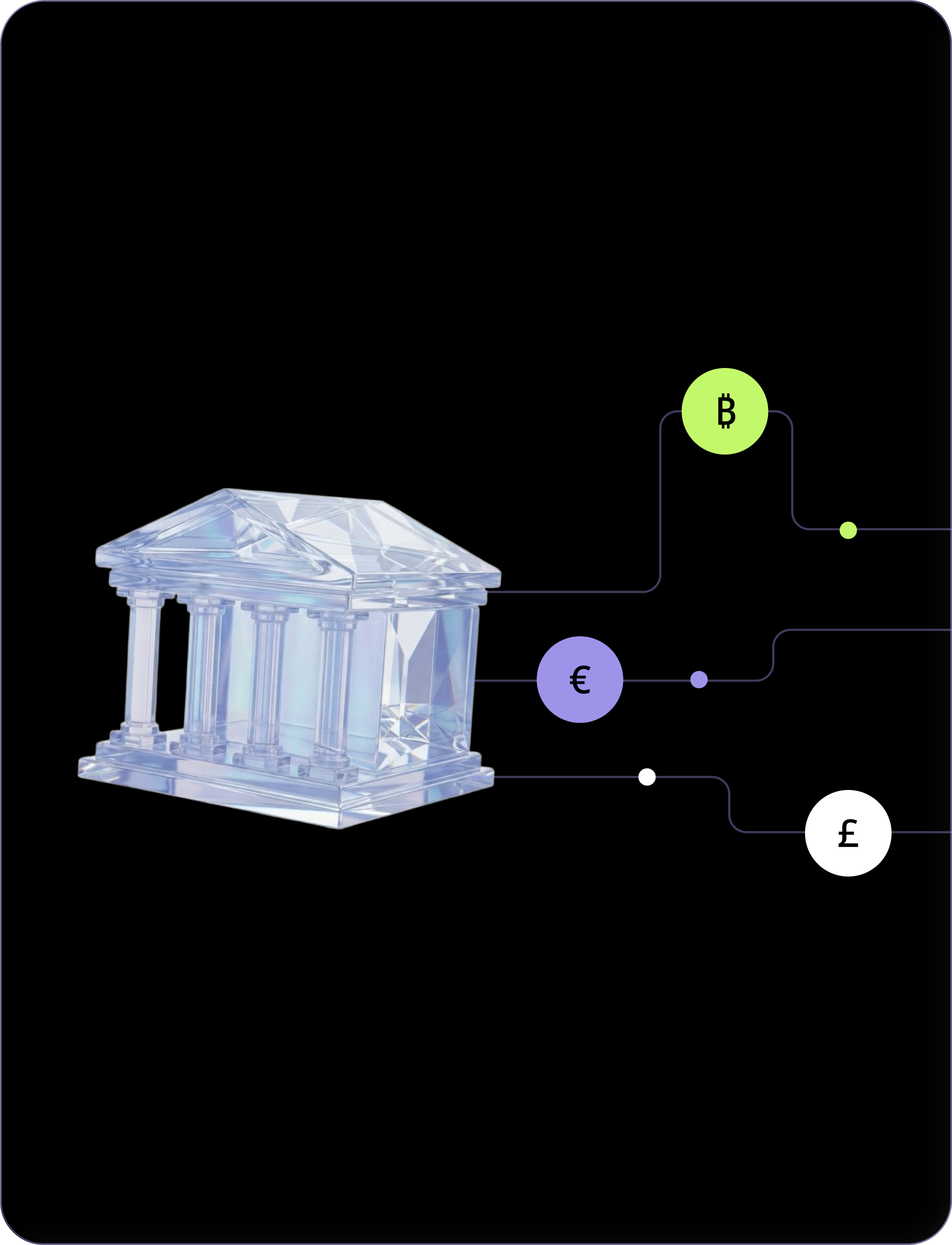
In, out, or somewhere else
What is a crypto
on-ramp?
An on-ramp is the route from ordinary money into crypto. It's the door in.
- You pay fiat.By card here
- Receive crypto.On your balance
Your money and your crypto in one app
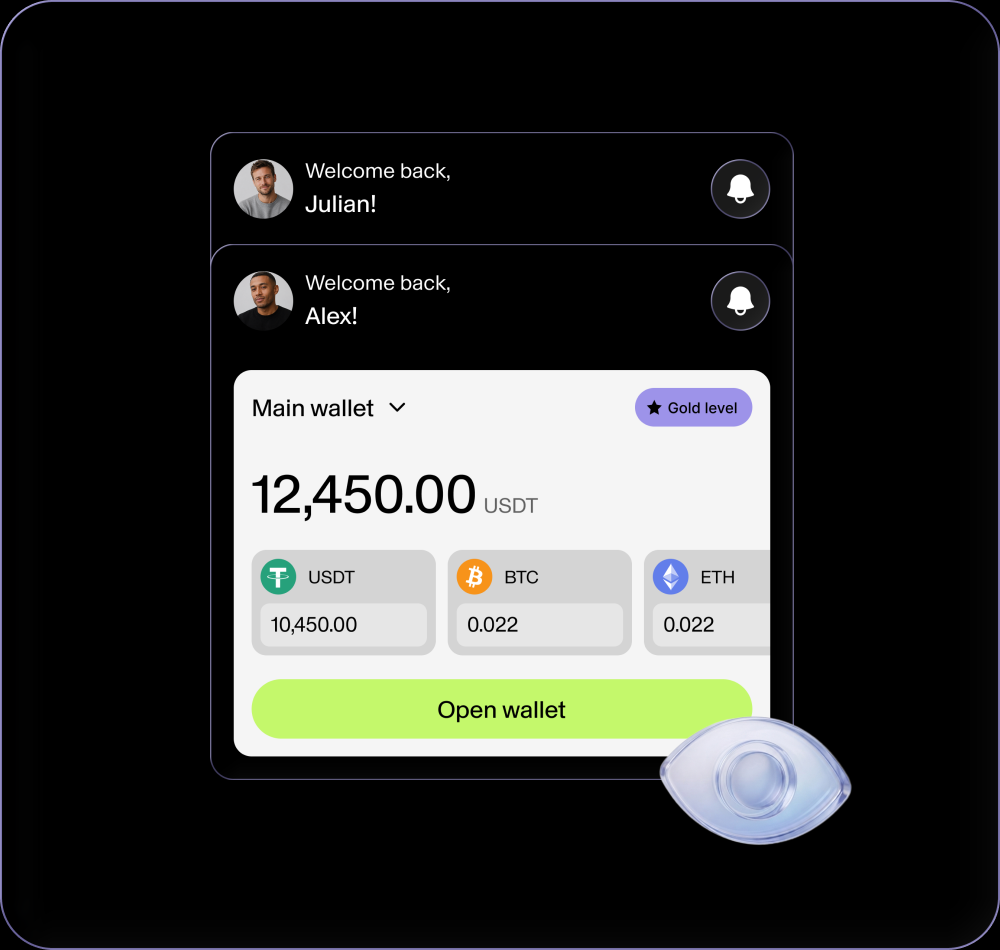
Here the money and the crypto live side by side.
- Buy.From your account
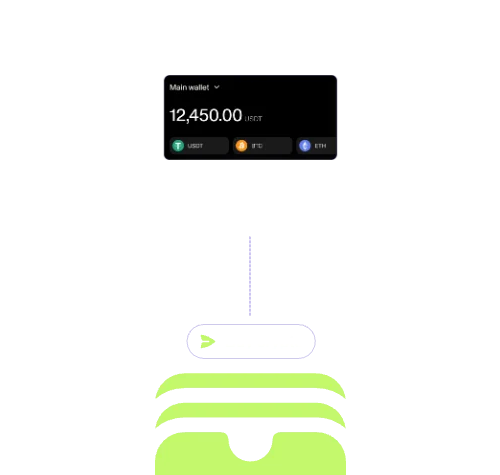
- The crypto is already there.Your deals, your card and your wallets
Four steps from money to crypto
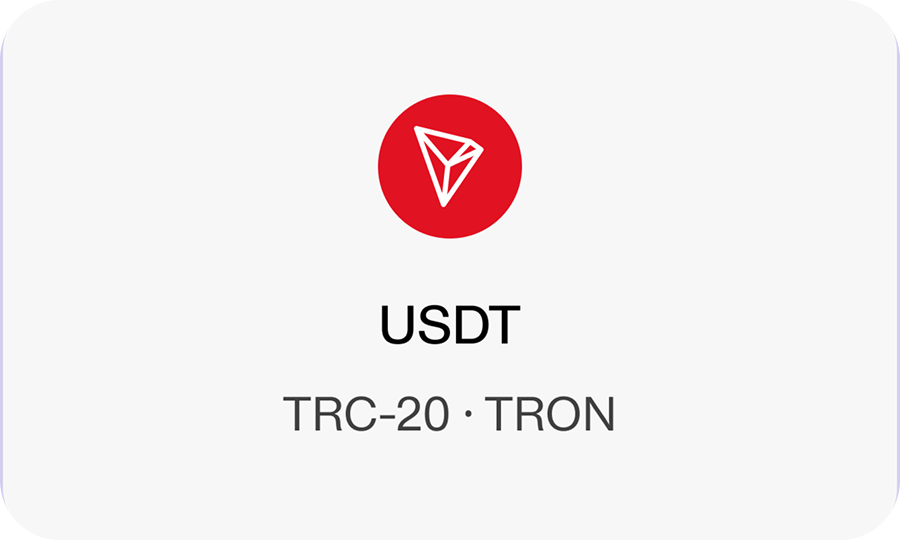
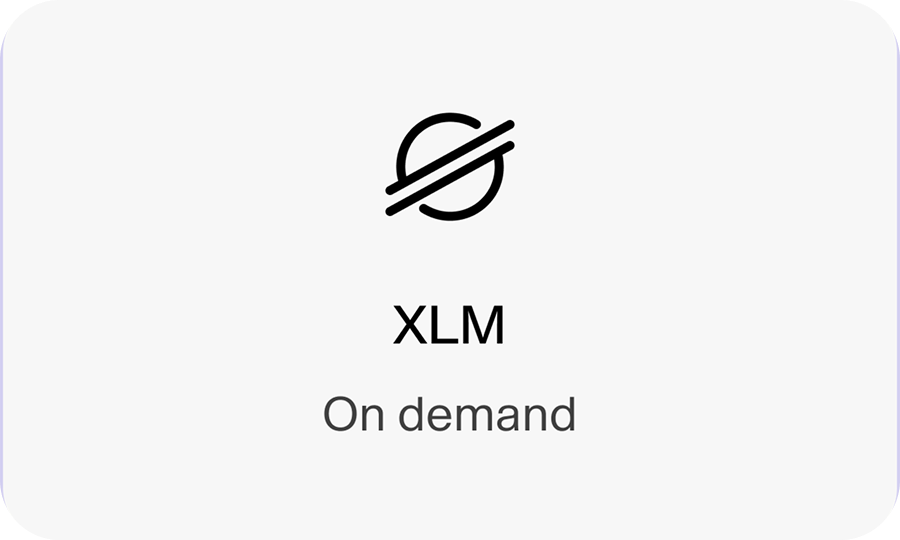
What lands on your balance
USDT on BNB Smart Chain (BEP-20) also planned, on demand.
You see what you'll get before you pay
Before paying, you see an estimate of the crypto you'll receive for your fiat, at the provider's live rate.
The rate already includes the provider's spread, so the figure on screen is the figure you're working with.
Fast, not instant and never
double-charged
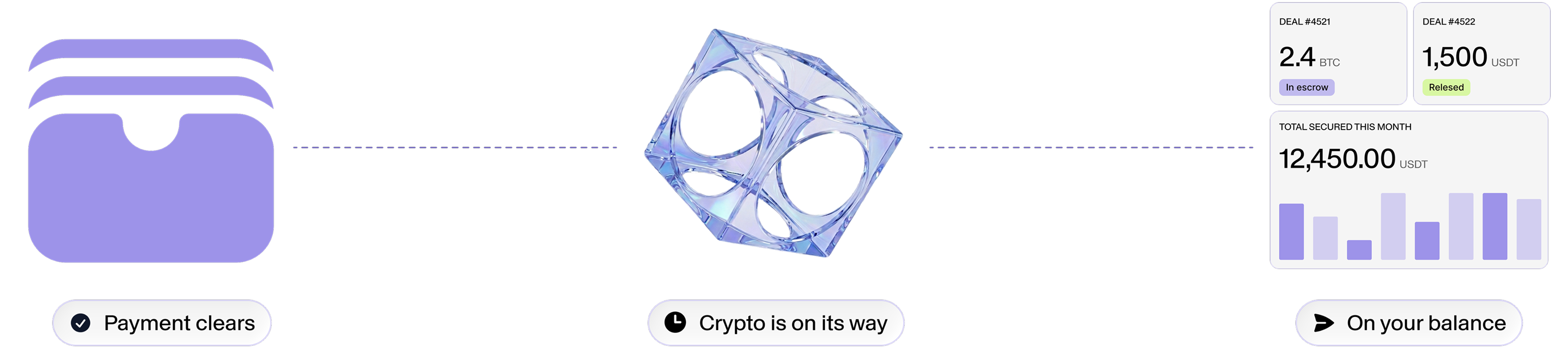
Crediting is quick but not magic. The moment your card payment clears, the crypto is on its way to your balance - usually seconds, at most a minute.
What
each status
means
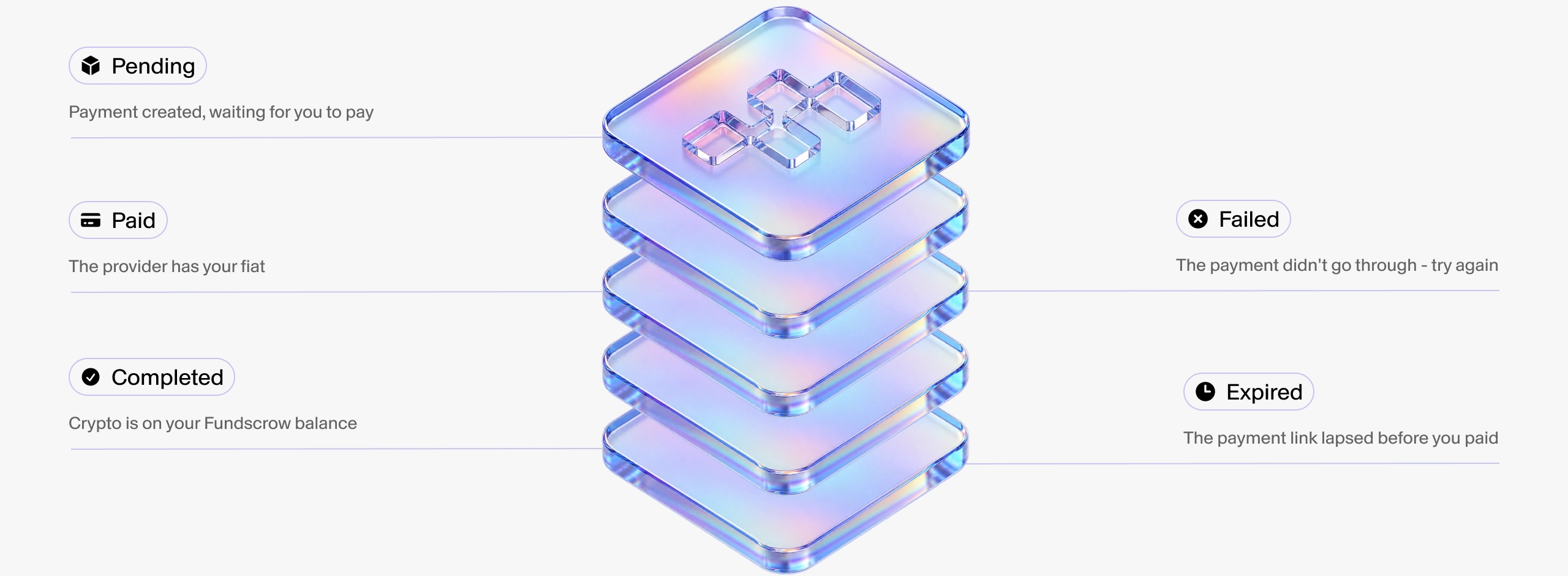
- Pending: Payment created, waiting for you to pay
- Paid: The provider has your fiat
- Completed: Crypto is on your Fundscrow balance
- Failed: The payment didn't go through - try again
- Expired: The payment link lapsed before you paid
This is the way in.
Here's the way out.
FAQ
Ready to turn money into crypto?
Open your account, add money and buy.
Rate and fee on screen before you confirm, crypto in your wallet after.

