








Open inside the app
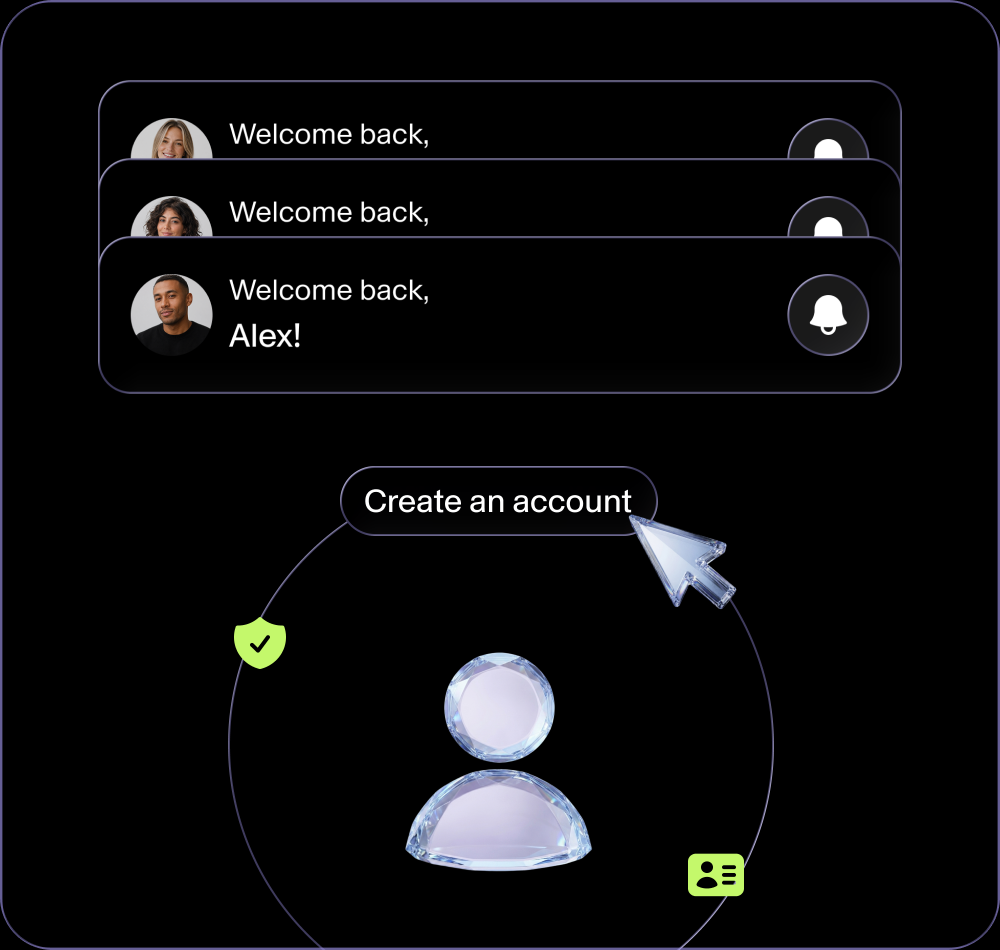
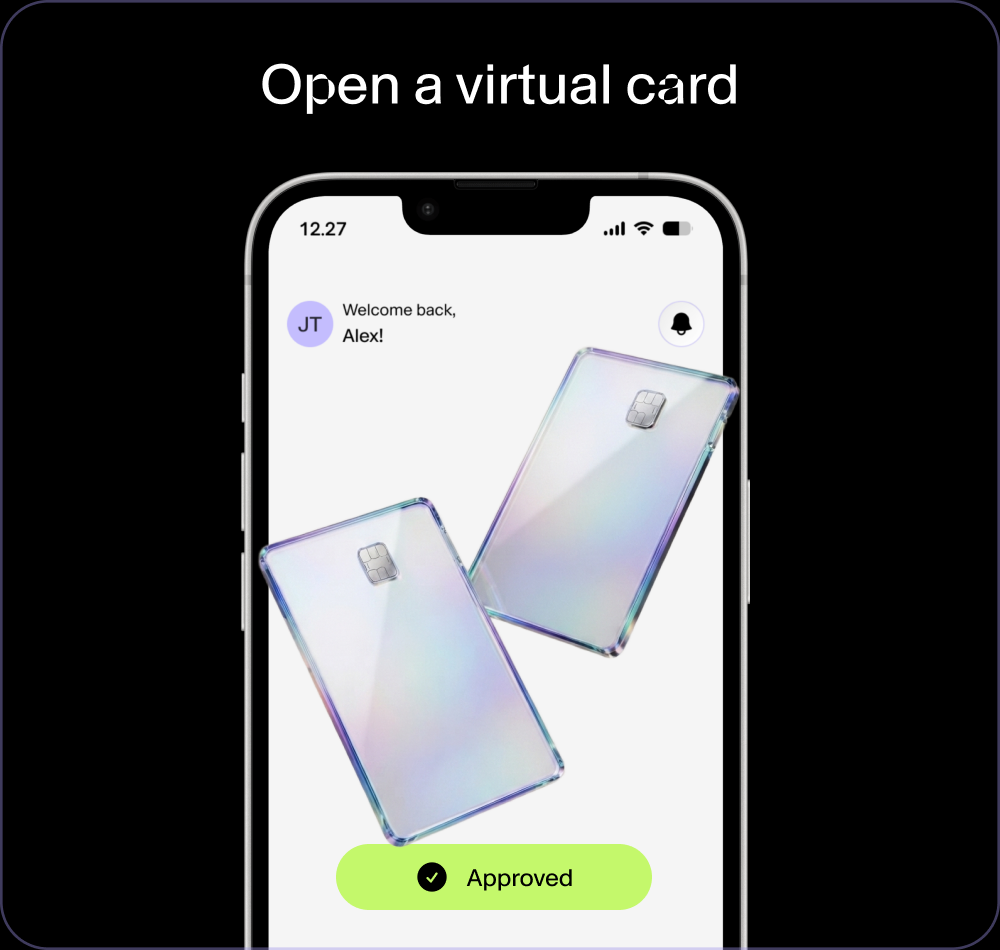
Create a virtual card straight from your Fundscrow account in a few steps.
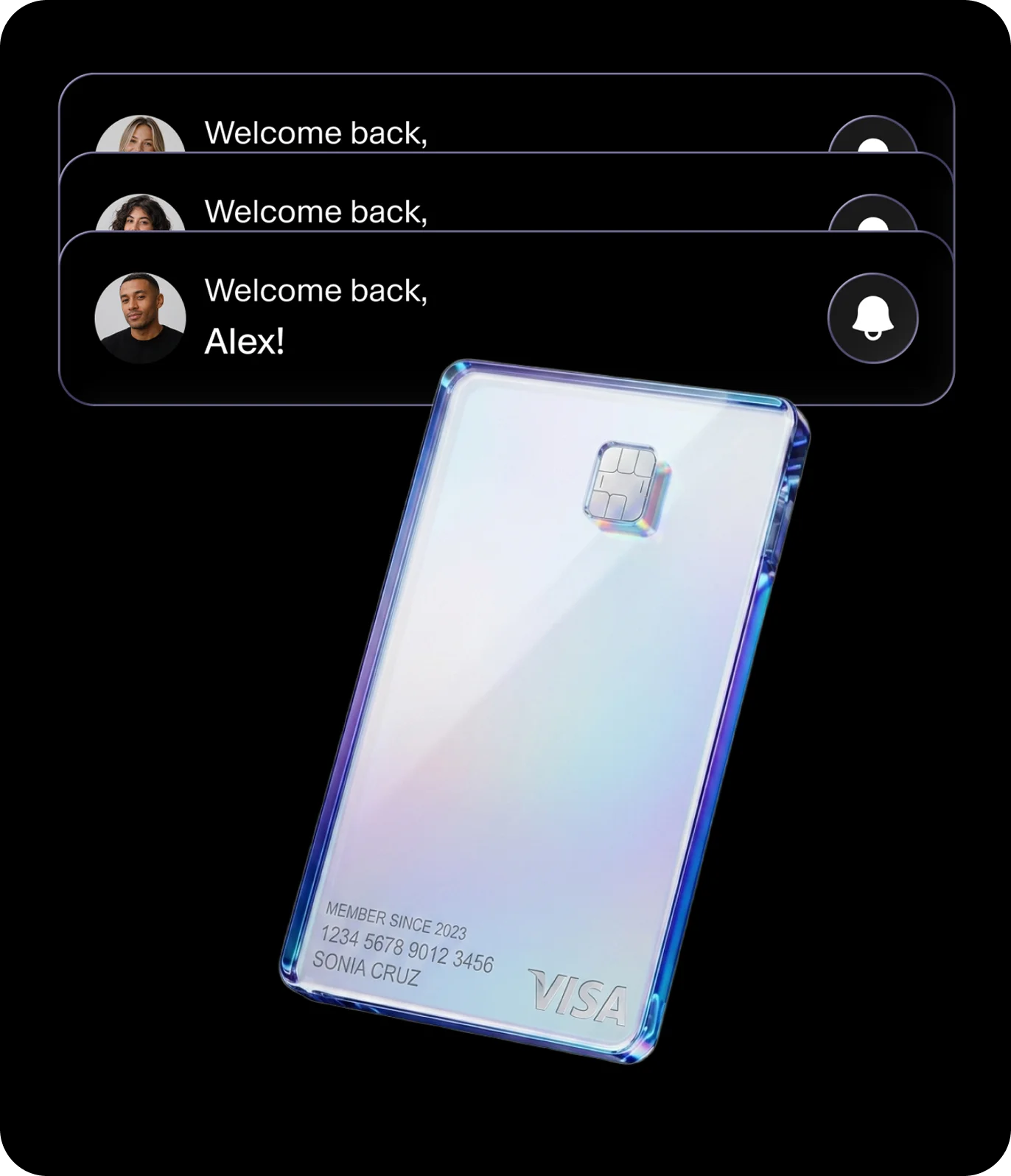
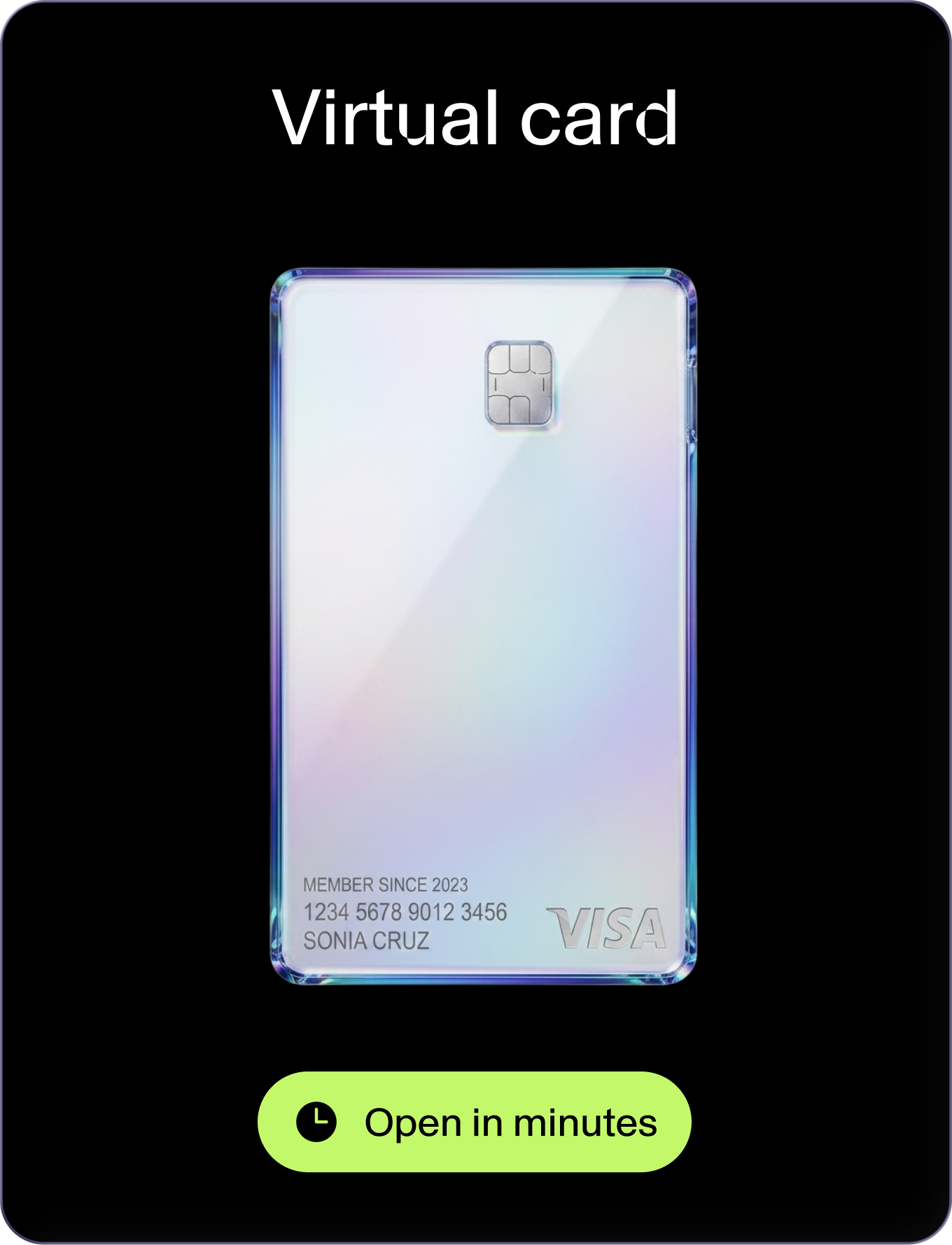
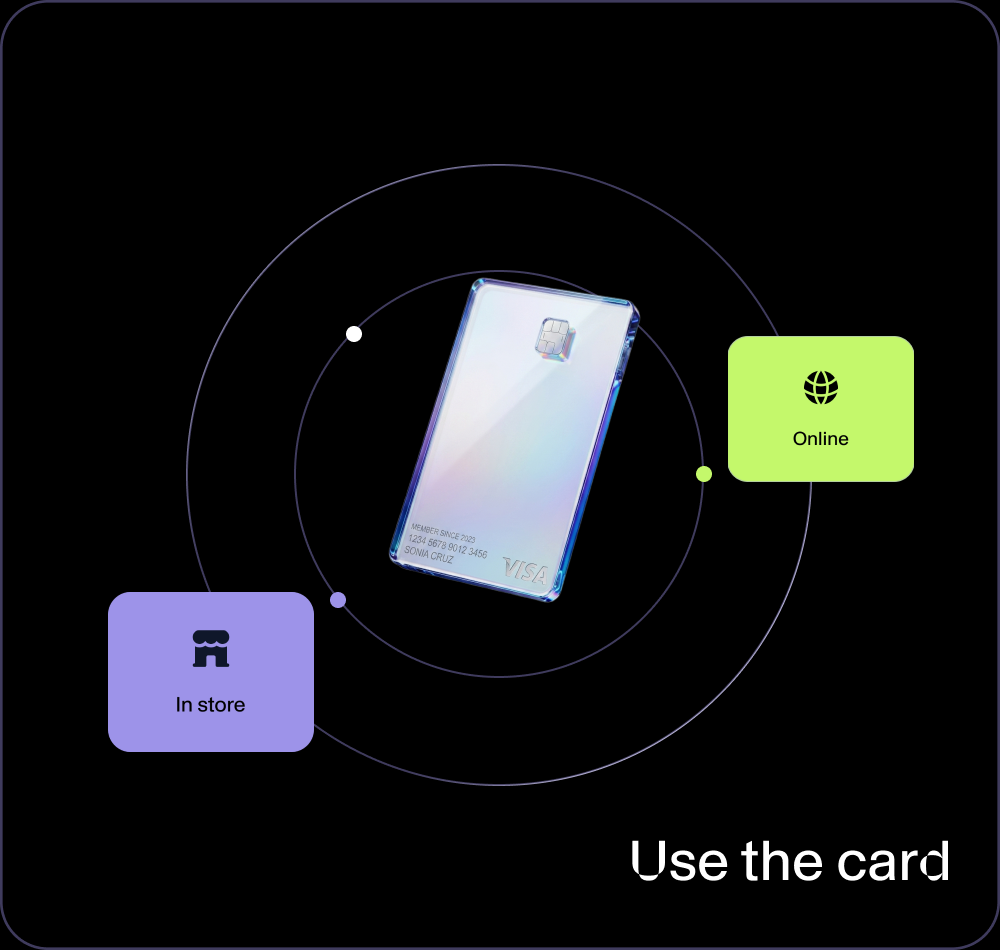
Open a virtual card inside Fundscrow with no ID. Load it with USDT or USDC, or from your Fundscrow account, and spend it online, in stores, or with Apple Pay and Google Pay. No plastic, no branch visits, no waiting. Subject to programme terms and applicable limits.
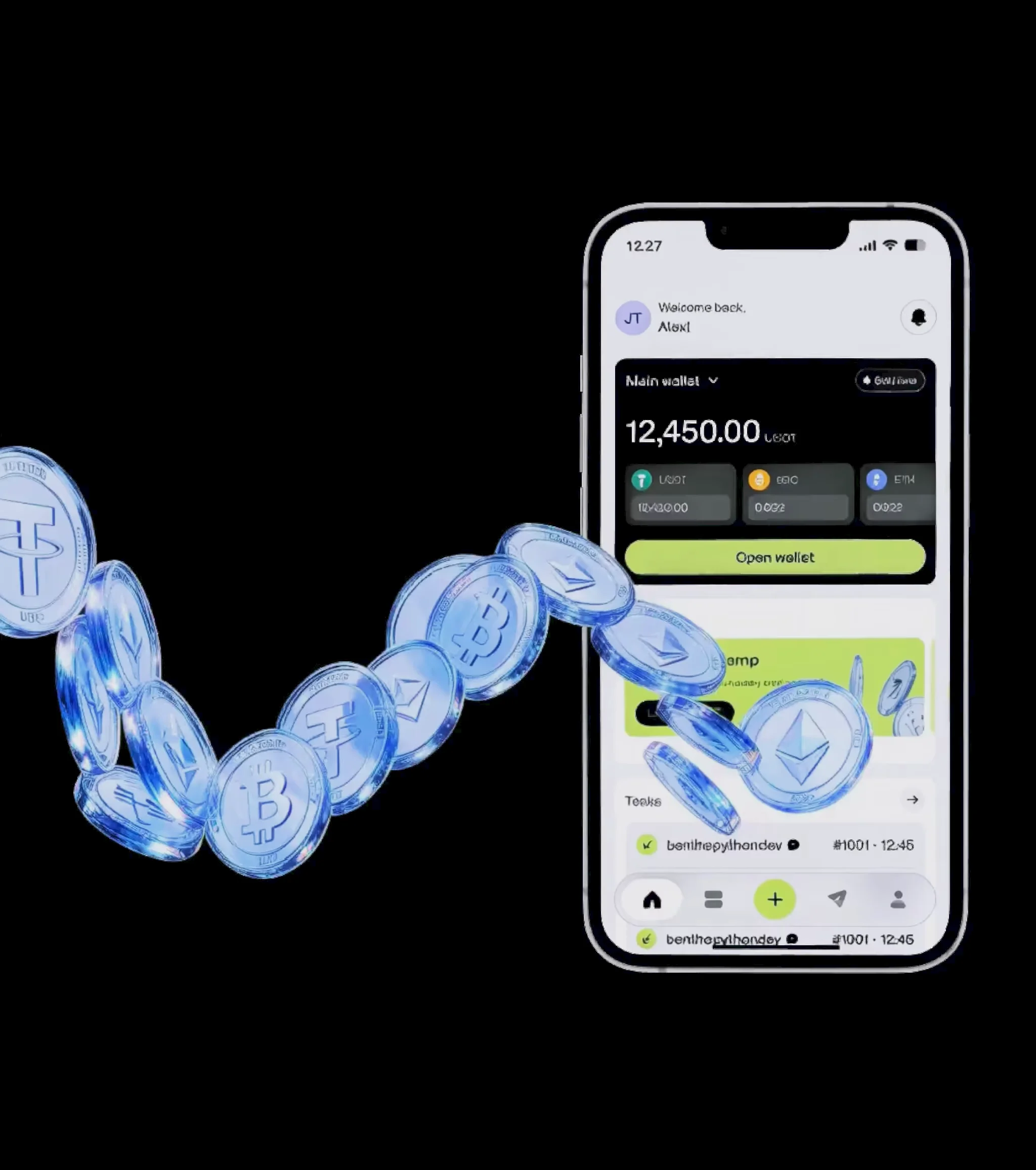
The virtual card gives you a working way to use USDT beyond the wallet. Open a card inside the app, top it up with USDT, track activity in your account and spend wherever the card is accepted online or in-store.
Create a virtual card straight from your Fundscrow account in a few steps.
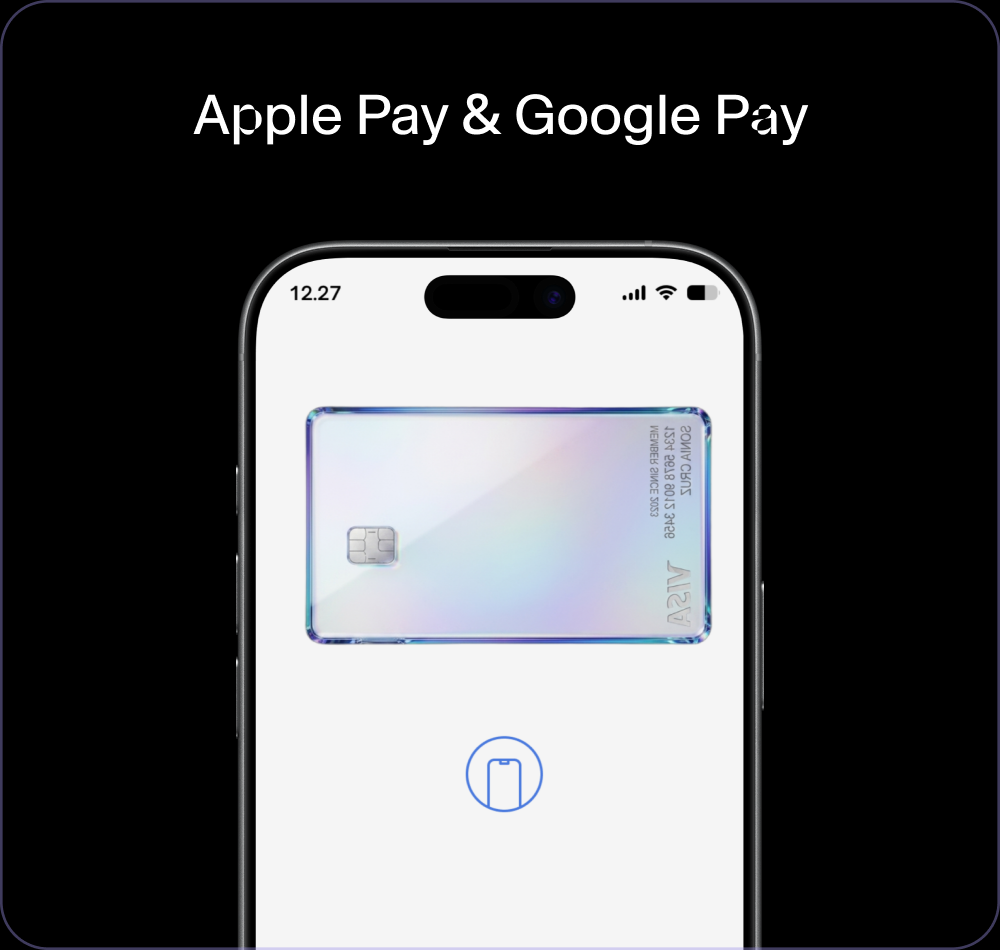
Add the card to your phone and pay in-store and online like any other card.
Open several cards for different jobs and manage them all in one place.
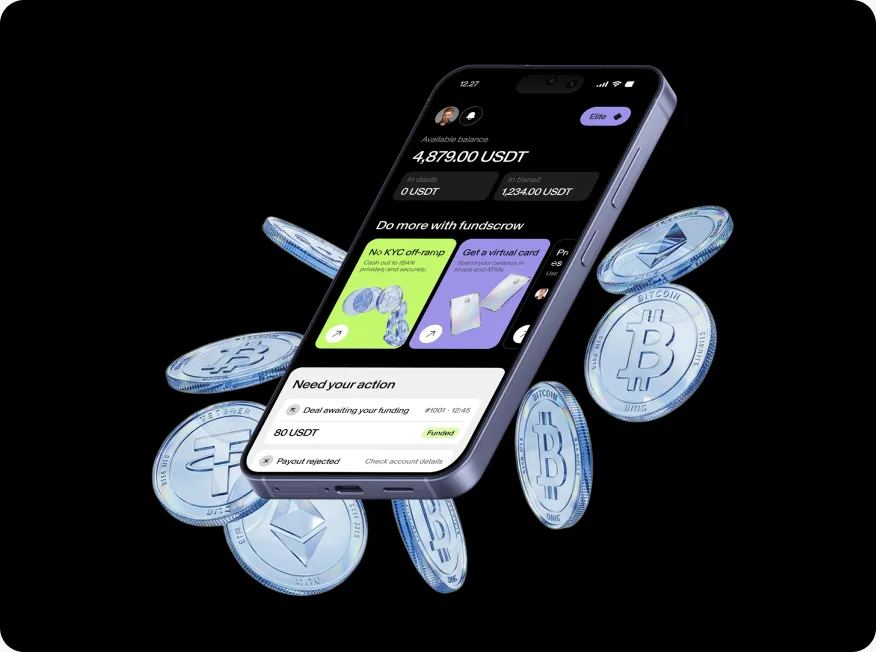
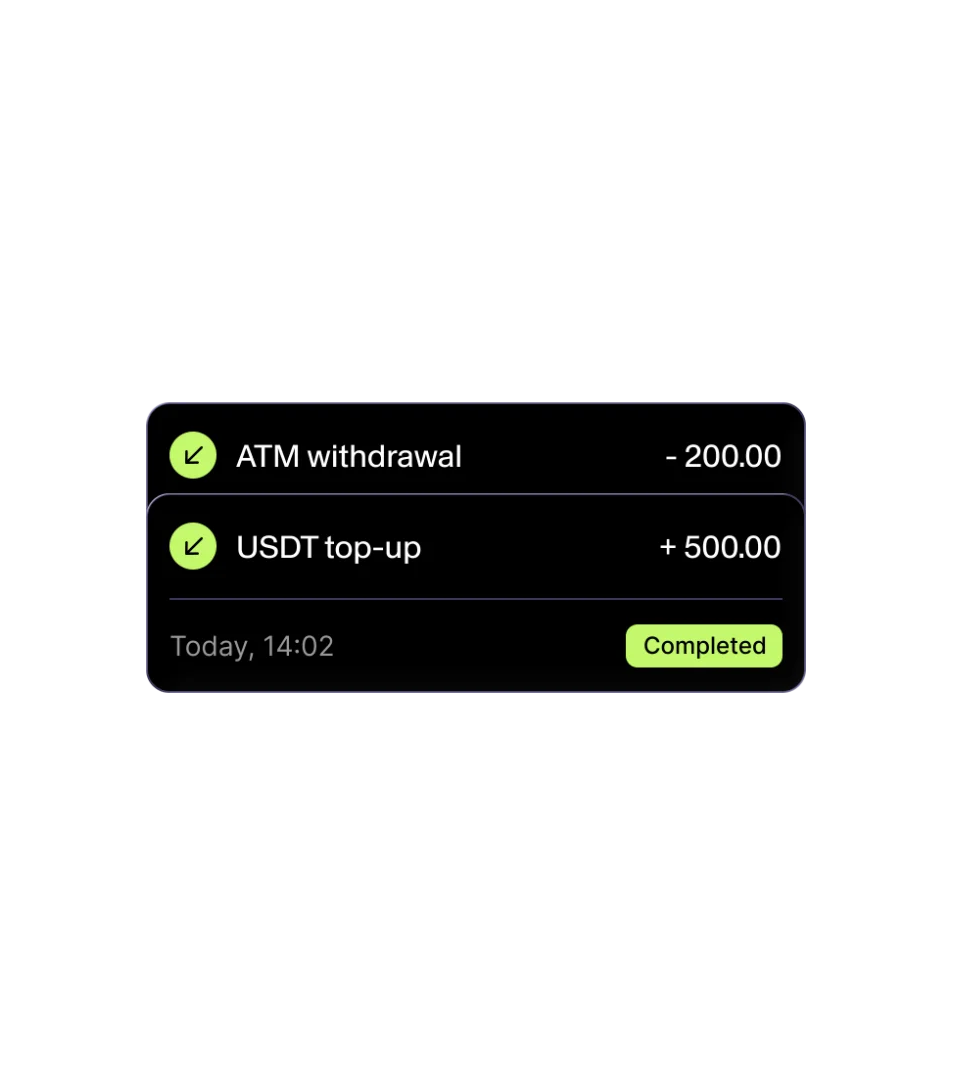
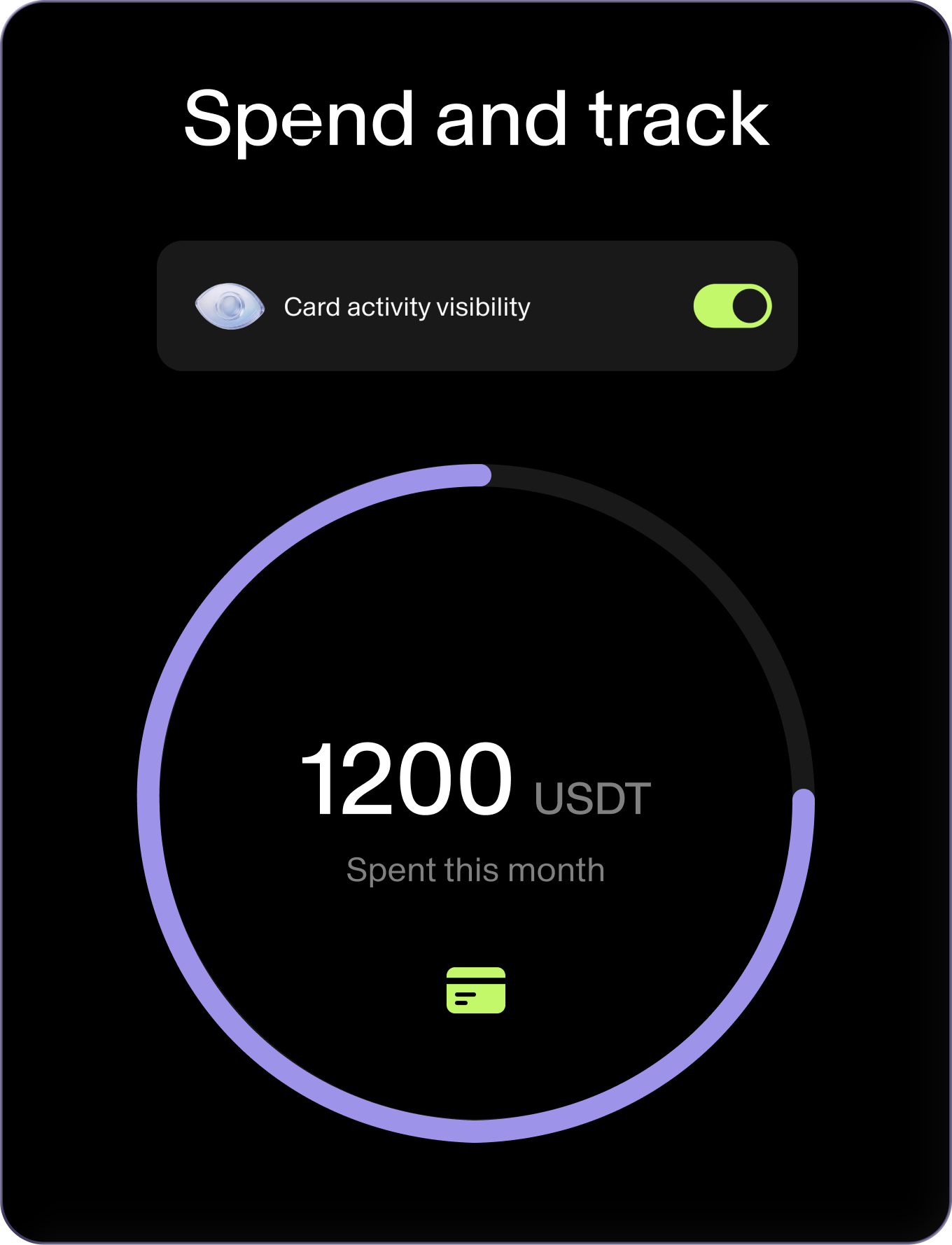
See top-ups and spending in your account. Balance is cached and shows the last update time, not a real-time figure.
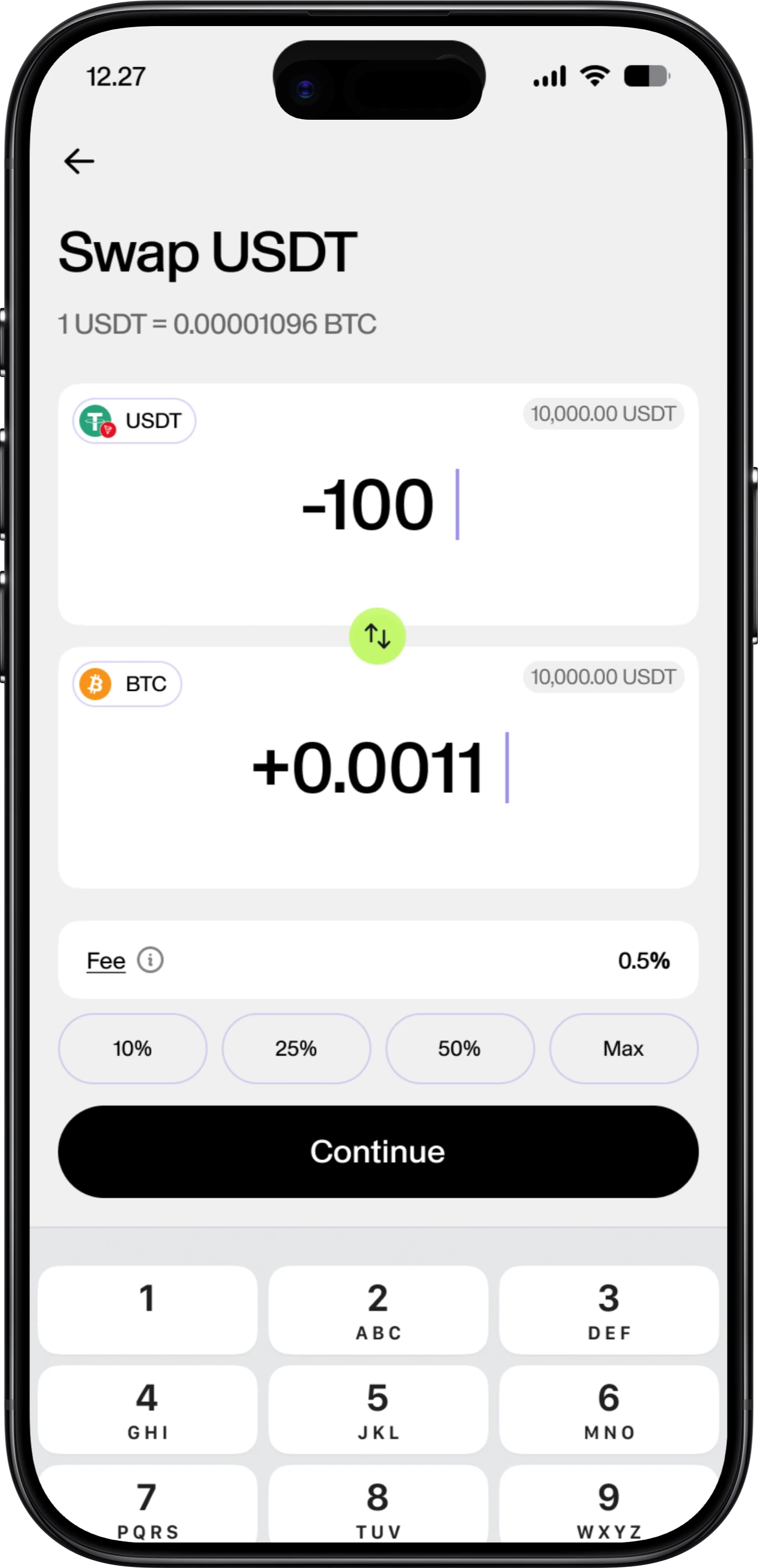
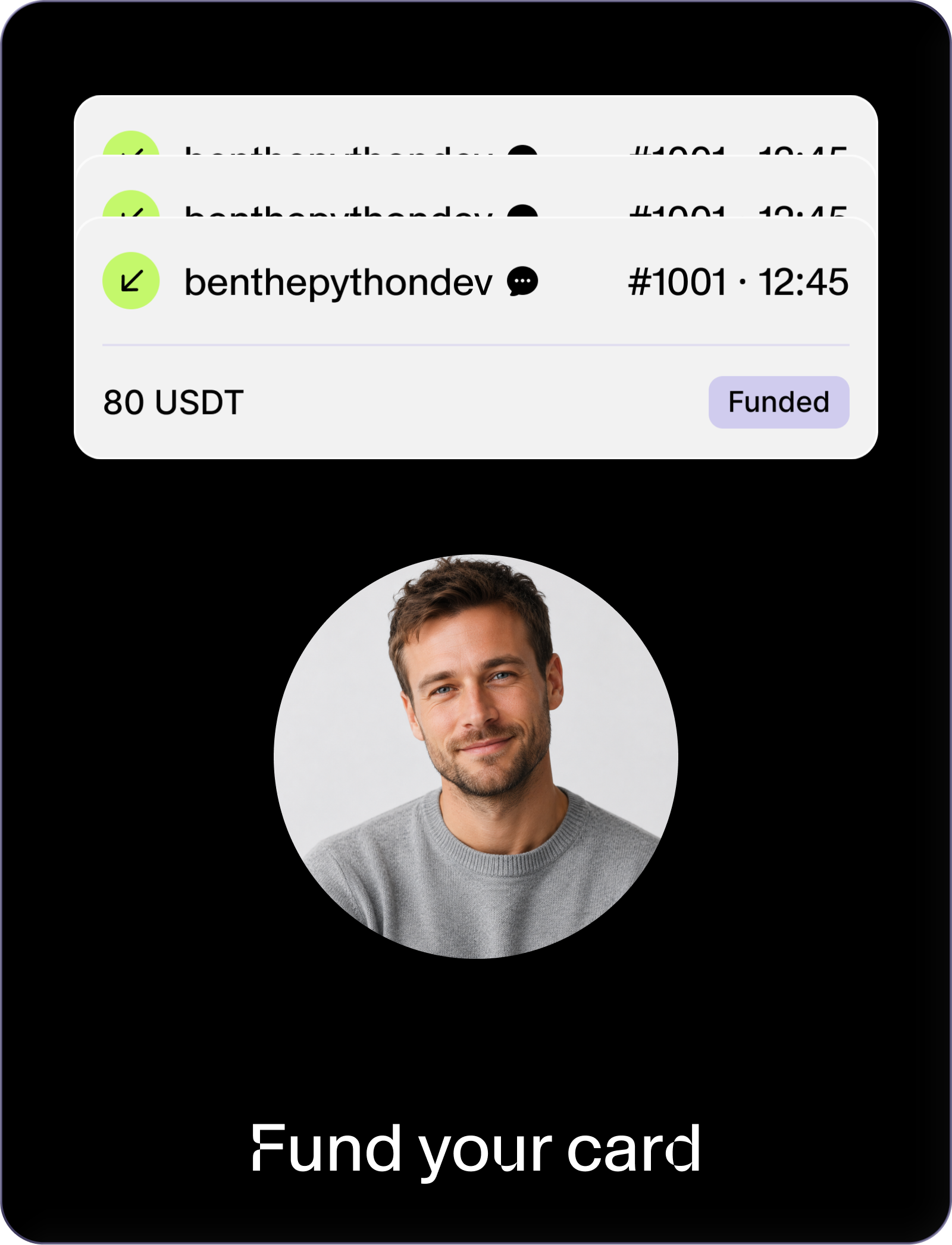
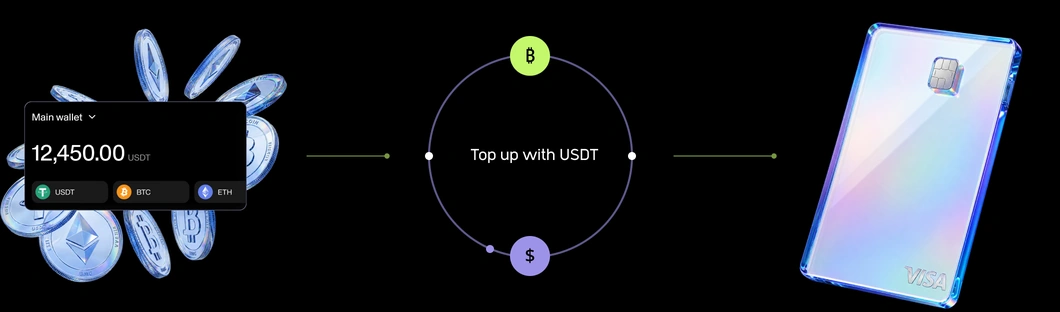
Load the card with USDT or USDC from your wallet. Holding something else? Pick it and we swap it in the background, numbers shown first.
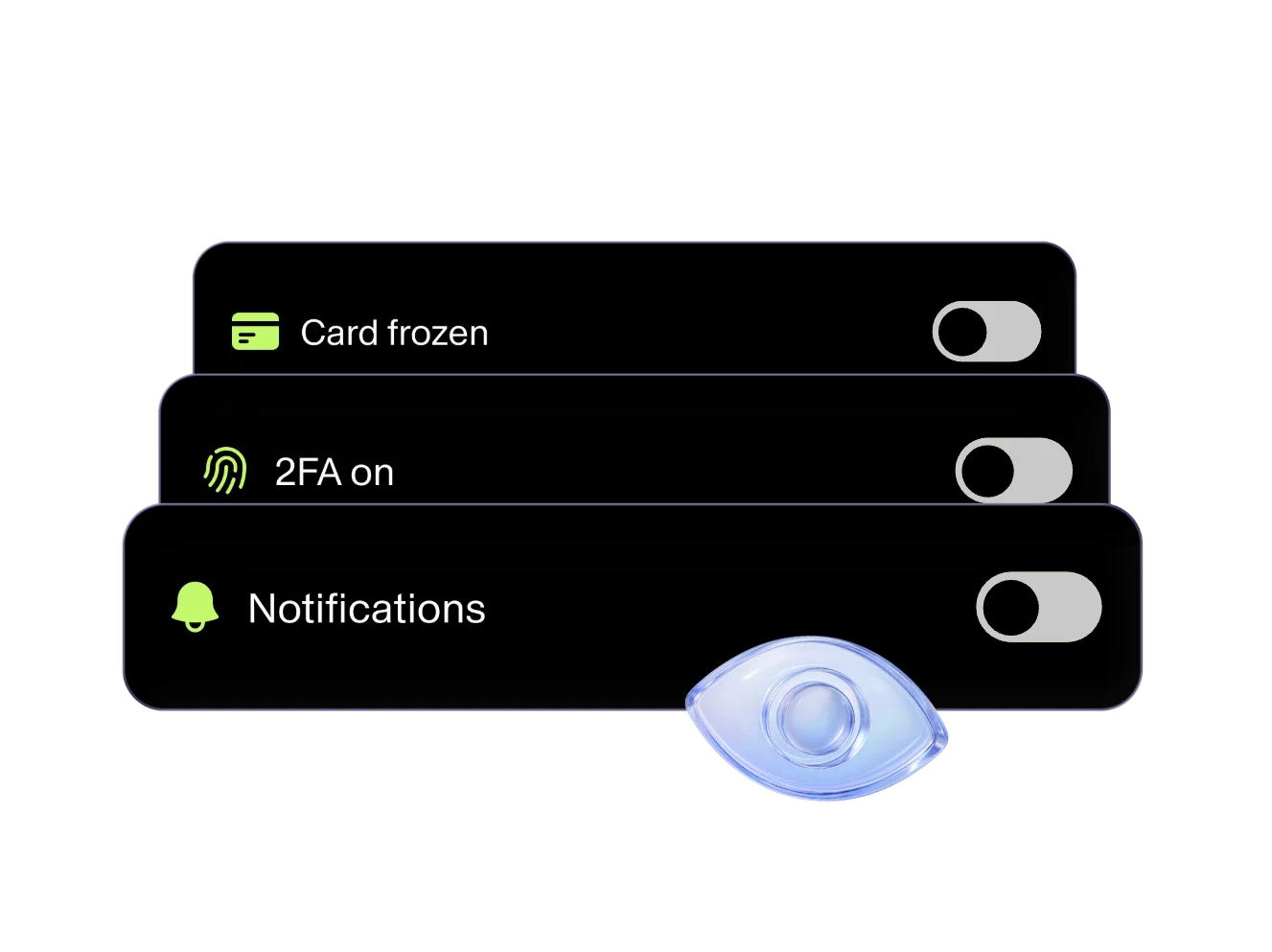
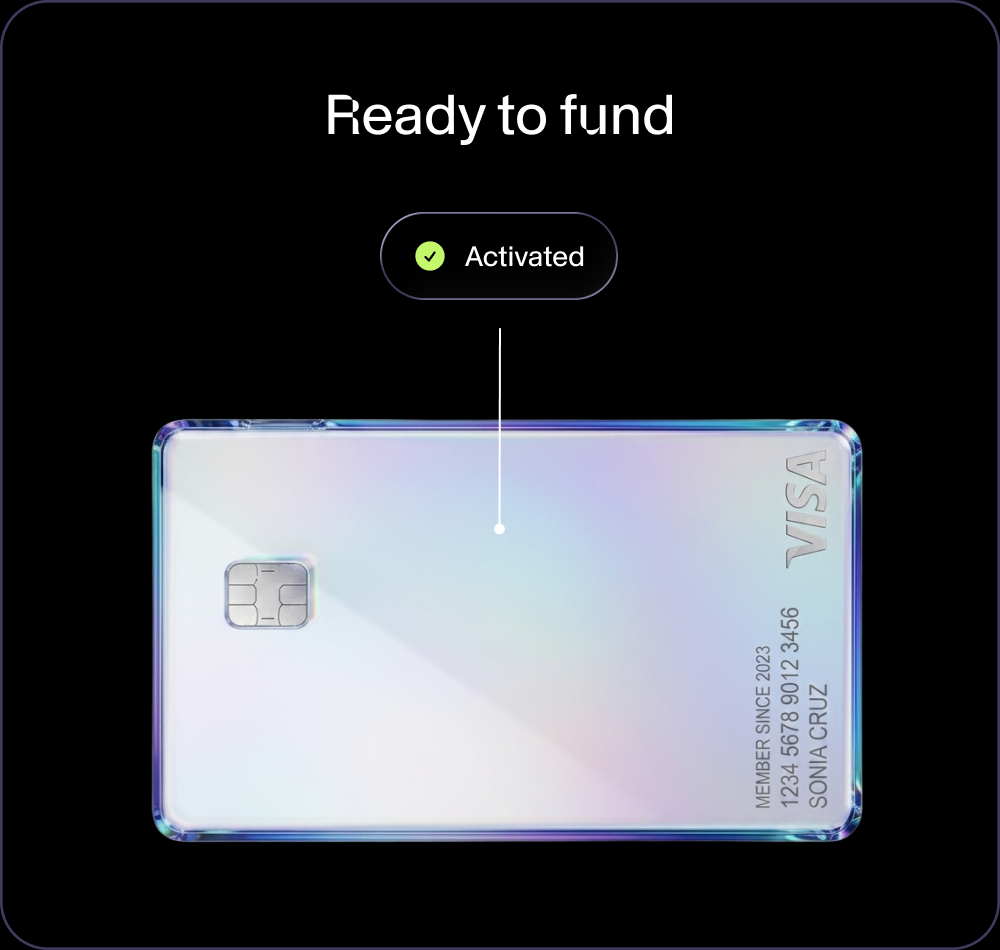
Freeze a card in one tap, unfreeze it, or block it for good. The card has no PIN.
Most crypto users hold stablecoins but still need a simple way to pay in the real world. This page connects the full loop from opening a card, topping up with USDT, spending everyday and tracking activity, all inside one account. Not a separate product with its own rules, its own login and its own support queue.
Most crypto users hold stablecoins but still need a simple way to pay in the real world. This page connects the full loop from opening a card, topping up with USDT, spending everyday and tracking activity, all inside one account. Not a separate product with its own rules, its own login and its own support queue.
See off-rampEverything about the card should feel obvious before the user opens one. Each step connects to the wider Fundscrow account so the whole loop lives in one place.
Top up the virtual card with USDT straight from your Fundscrow balance. That's the bridge between a stablecoin balance and everyday card spending, all inside your Fundscrow account.
Open a cardThe card loads in USDT or USDC. Pick any other asset and we swap it in the background, with the numbers on screen before you agree. Have a Fundscrow account in EUR, GBP or USD? Send money from it to the card in one step.
Every card has per-transaction, daily and monthly spending limits so you know what to expect. Indicative limits are up to 30,000 per transaction, up to 200,000 per day and up to 1,000,000 per month, per card, subject to the card programme, jurisdiction and applicable requirements. The card is built for online payments and mobile wallets. Add it to Apple Pay or Google Pay for everyday spending.
Monthly limits up to 1,000,000 USDT
*Virtual card, for online and in-store spending. Does not support cash withdrawals at ATMs.

Monthly limits up to 1,000,000 USDT
*Virtual card, for online and in-store spending. Does not support cash withdrawals at ATMs.
The card lives inside a secure account with real controls. Freeze it in one tap, unfreeze it, block it for good, and see card activity in your dashboard. The card has no PIN. Balance is cached. The app shows the last update time, not a real-time figure. Every part of the loop runs behind the same account controls as the rest of the platform.
The card works for anyone who wants a working way to spend USDT. For teams and higher-volume users, multi-card access is coming later. This page focuses on personal use for release 1.
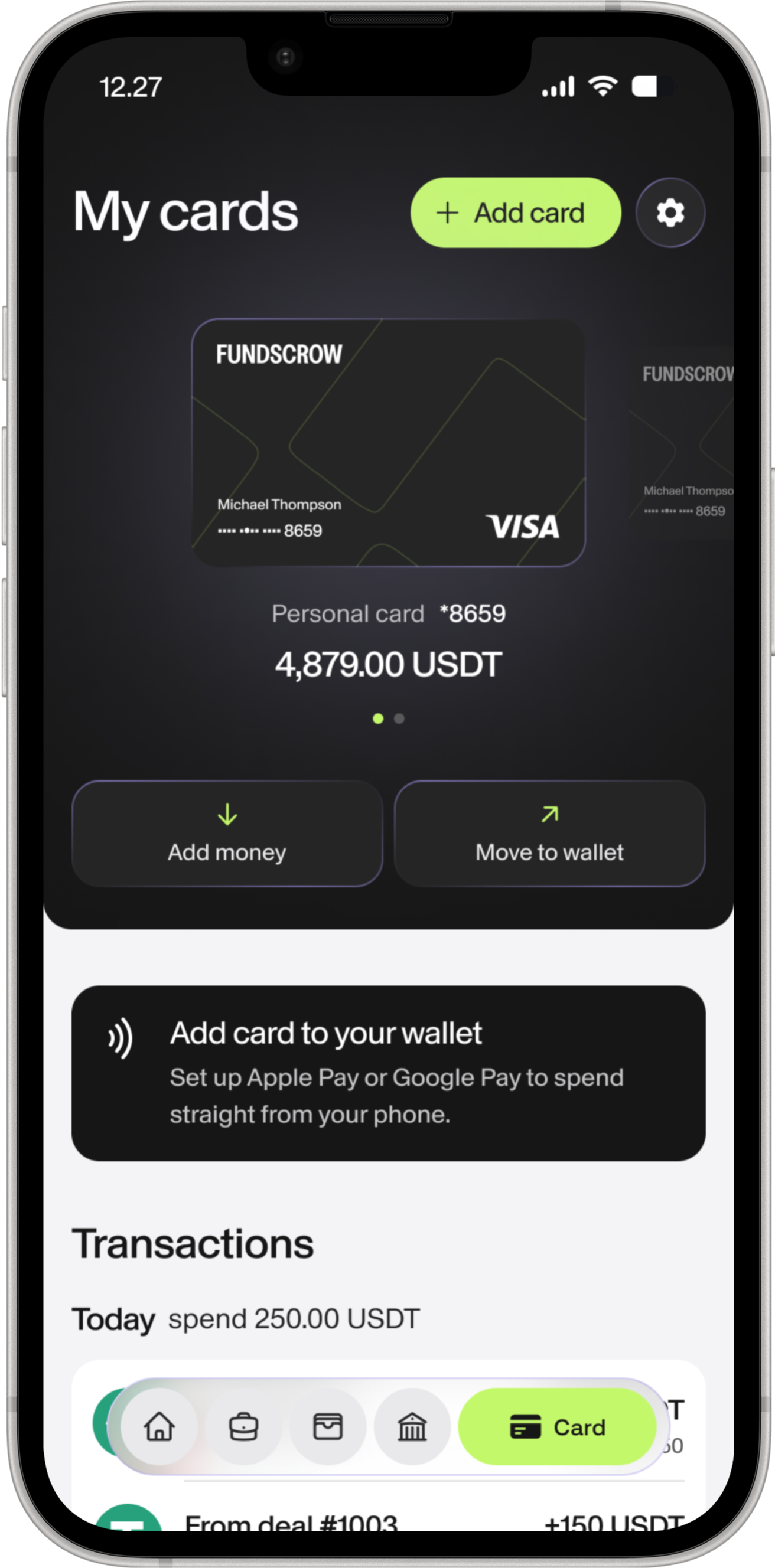

Open a card, top up with USDT, add it to Apple Pay or Google Pay and pay online or in-store.
Open a cardMulti-card workflows for teams, with account visibility, card controls and links to wallet management, off-ramp and security. Planned for a later release.
Message supportPick a wallet, get the address, send. The balance credits once the network confirms.





 Freeze and unfreeze