










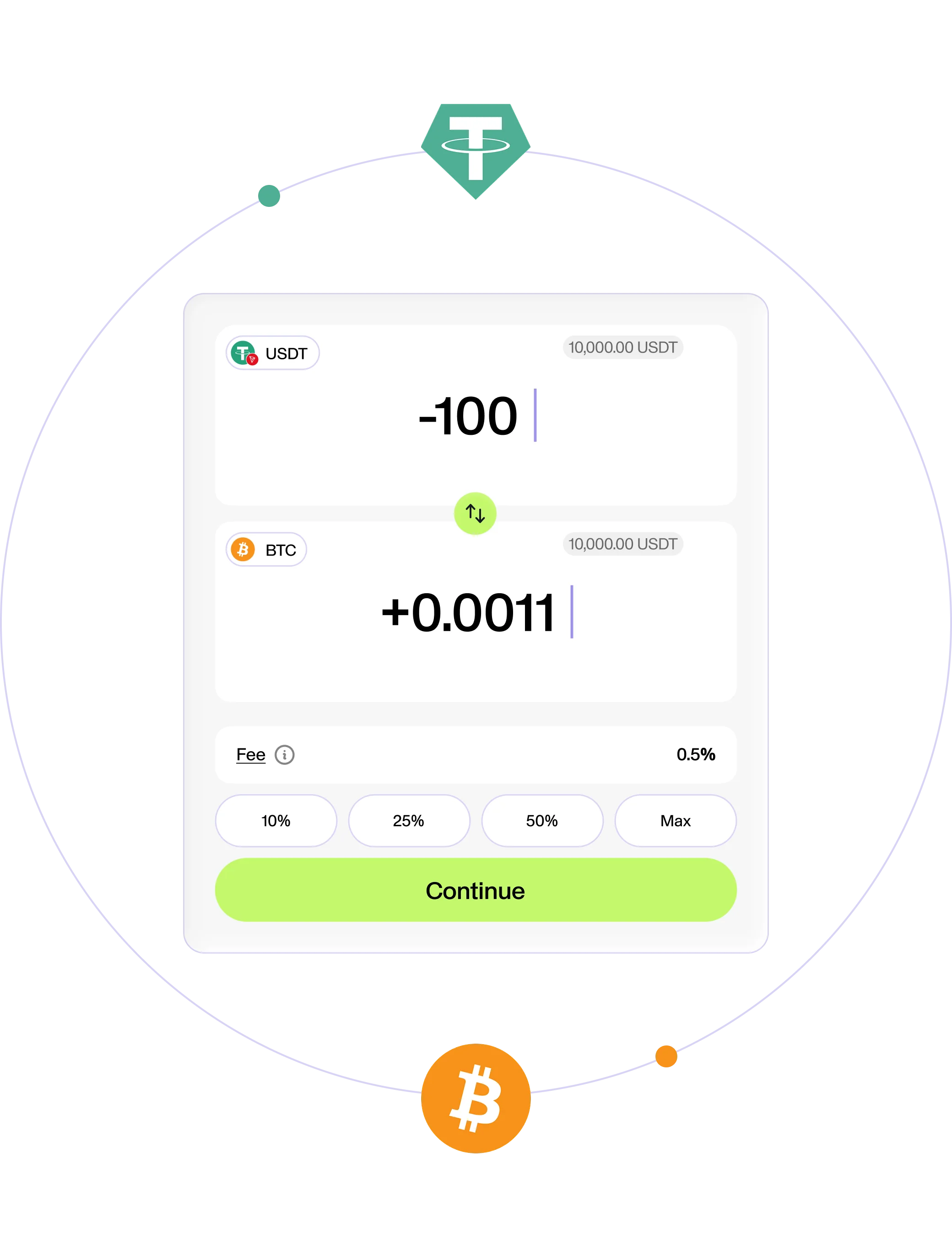
A crypto swap converts one supported digital asset in your available Fundscrow balance into another.
Swap crypto without KYC inside Fundscrow
Turn the crypto you already hold into the asset you need without KYC or a separate exchange account. Keep it in Fundscrow, use it for escrow, withdraw it on-chain or convert it into USDT or USDC to cash out to your bank account or virtual card.
USDT withdrawalsRate and fee shown before confirmationNo KYC for crypto swapsWithdraw on-chain or cash out to USDTTransaction visibility3 UST networks

What is a crypto swap?
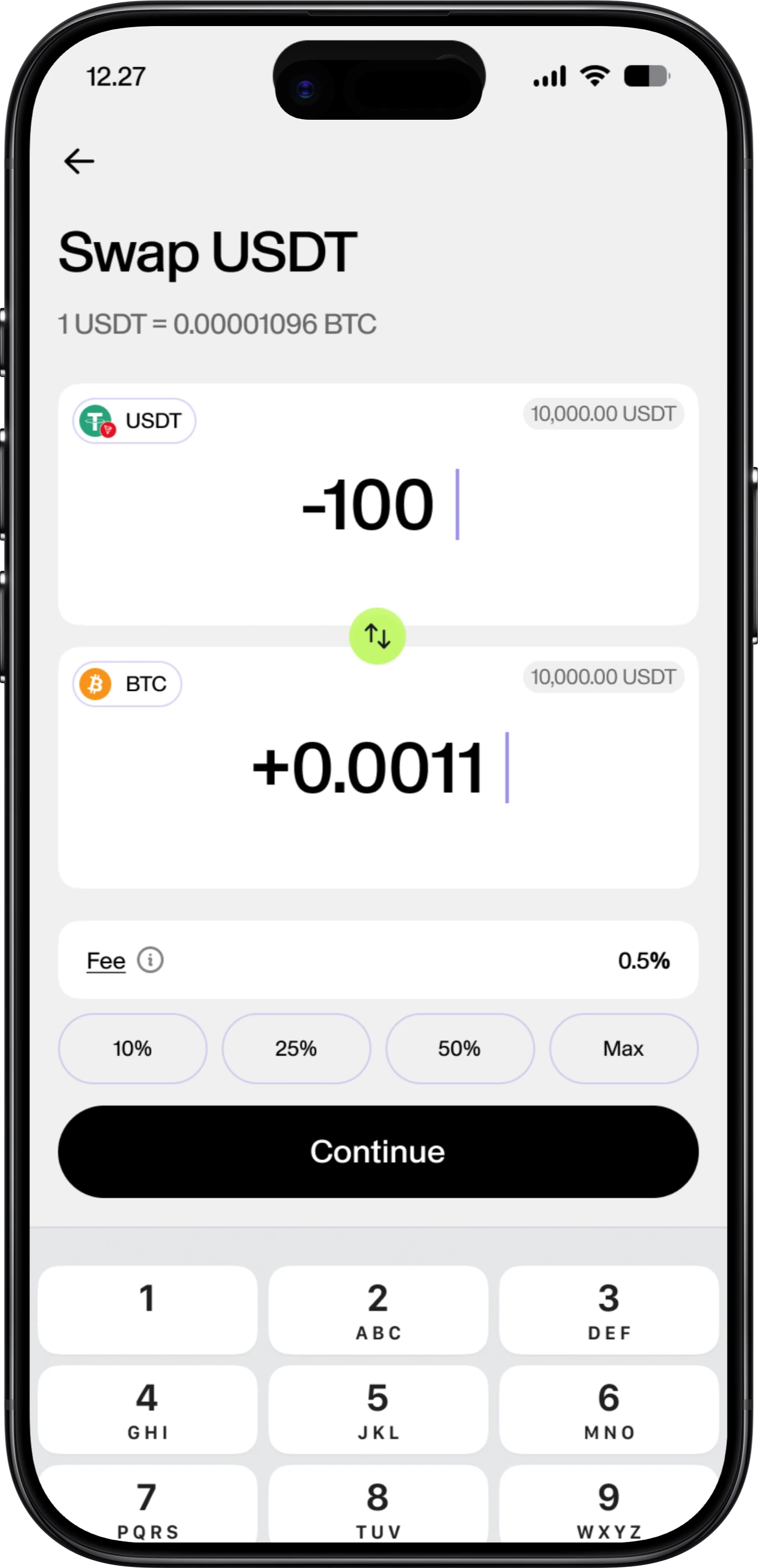
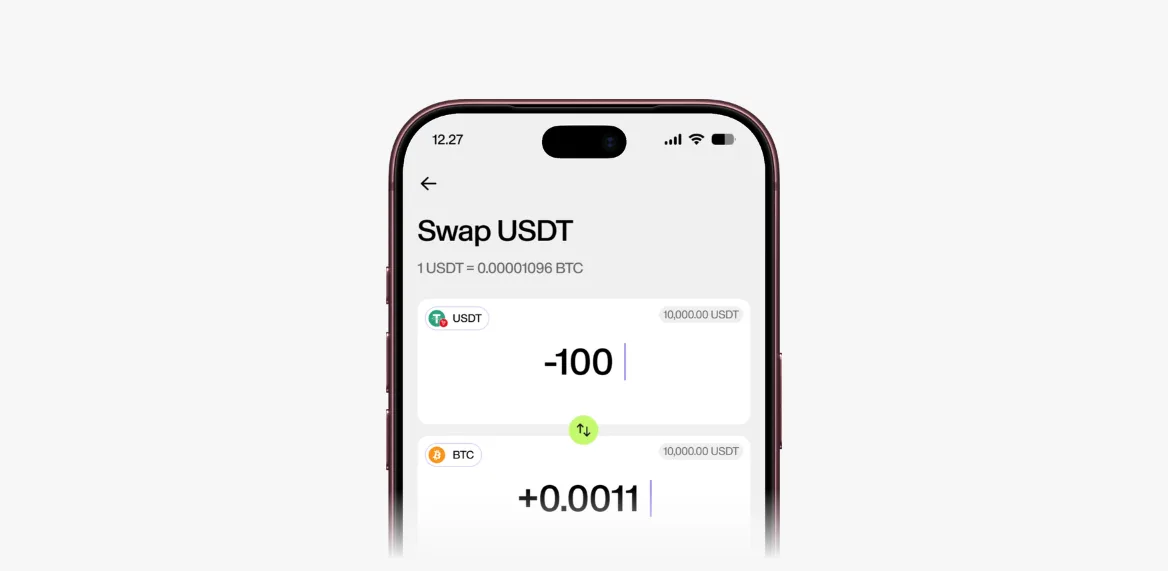
A crypto swap lets you convert one digital asset into another inside your Fundscrow balance. Choose the asset you already hold and the one you want to receive, then review the quoted rate, applicable fee and expected amount before confirming. Once the swap is complete, the new asset appears in your balance.
Fundscrow handles the process inside your account, so you can move between supported assets without opening a separate exchange account. There is no trading screen or order book to navigate.
Choose. Review. Swap.
Use the swapped funds your way
- 1
Start with funds in your balance
Use a supported asset you already hold, buy crypto through the on-ramp or deposit crypto on-chain.
- 2
Choose the assets and amount
Select what you want to swap and which supported asset you want to receive.
- 3
Review the quote
Check the rate, fee and expected amount shown before confirmation.
- 4
Confirm and receive your crypto
Once the swap is complete, the new asset appears in your Fundscrow balance.
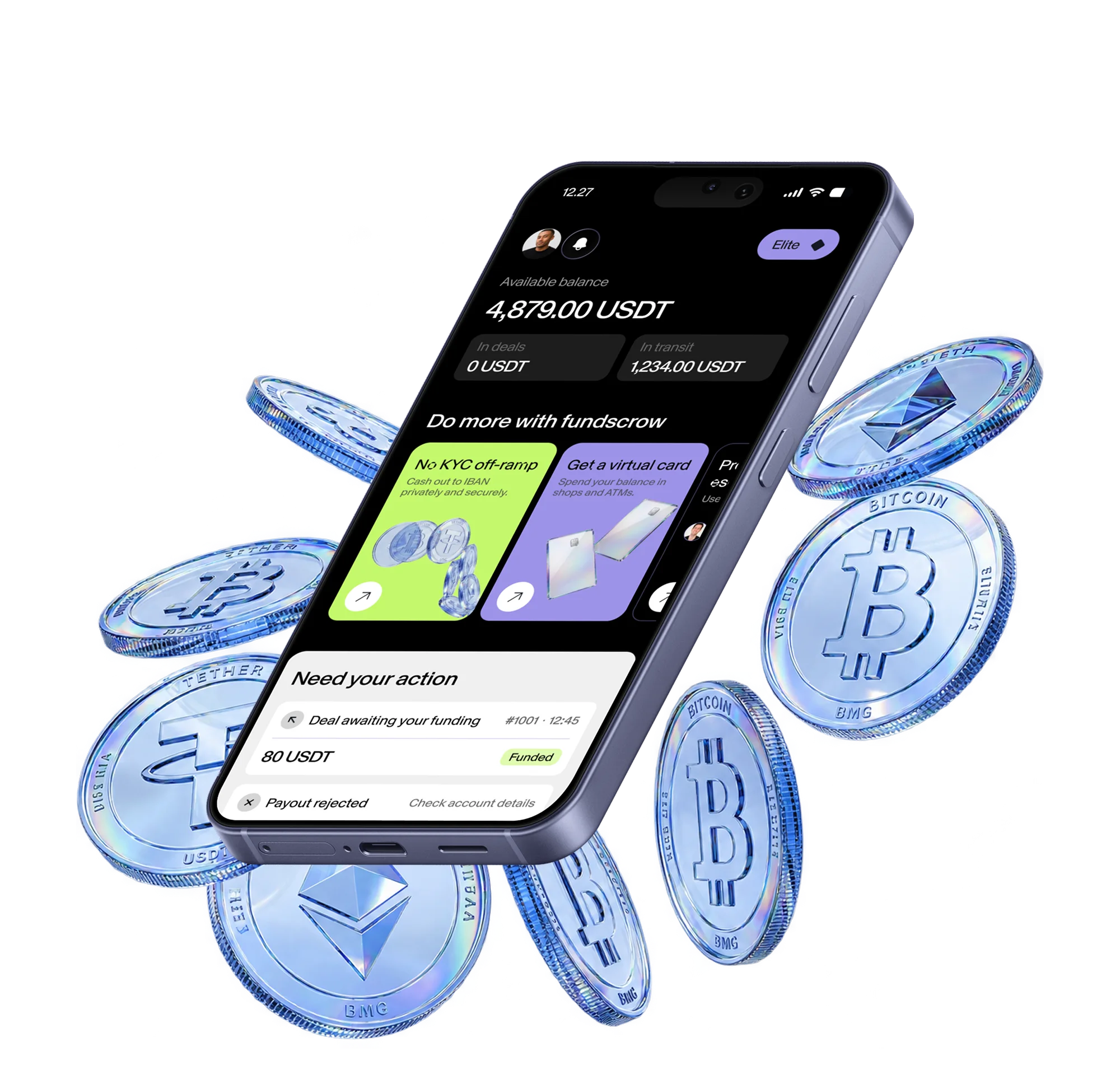
Keep the asset in your balance, use it for escrow or withdraw it on-chain. You can also swap into USDT or USDC to cash out to a bank account, or swap into USDT to top up a virtual card and spend online or in-store.
Swap the assets Fundscrow supports
Each supported asset has its own dedicated page. When depositing or withdrawing funds, always choose the exact asset and network shown in your Fundscrow balance.

- USDT. TRON (TRC-20), Ethereum (ERC-20) and BNB Smart Chain (BEP-20)
- USDC. Base and Ethereum (ERC-20)
- BTC. Bitcoin
- ETH. Ethereum
- XLM. Stellar
- XMR. Monero
Bring funds in. Move them on.
- Start with an on-chain deposit
If you already hold crypto elsewhere, deposit it on-chain to the matching Fundscrow address. It's screened first, and once it reaches your available balance, you can swap it into another supported asset.
- Keep the new asset inside Fundscrow
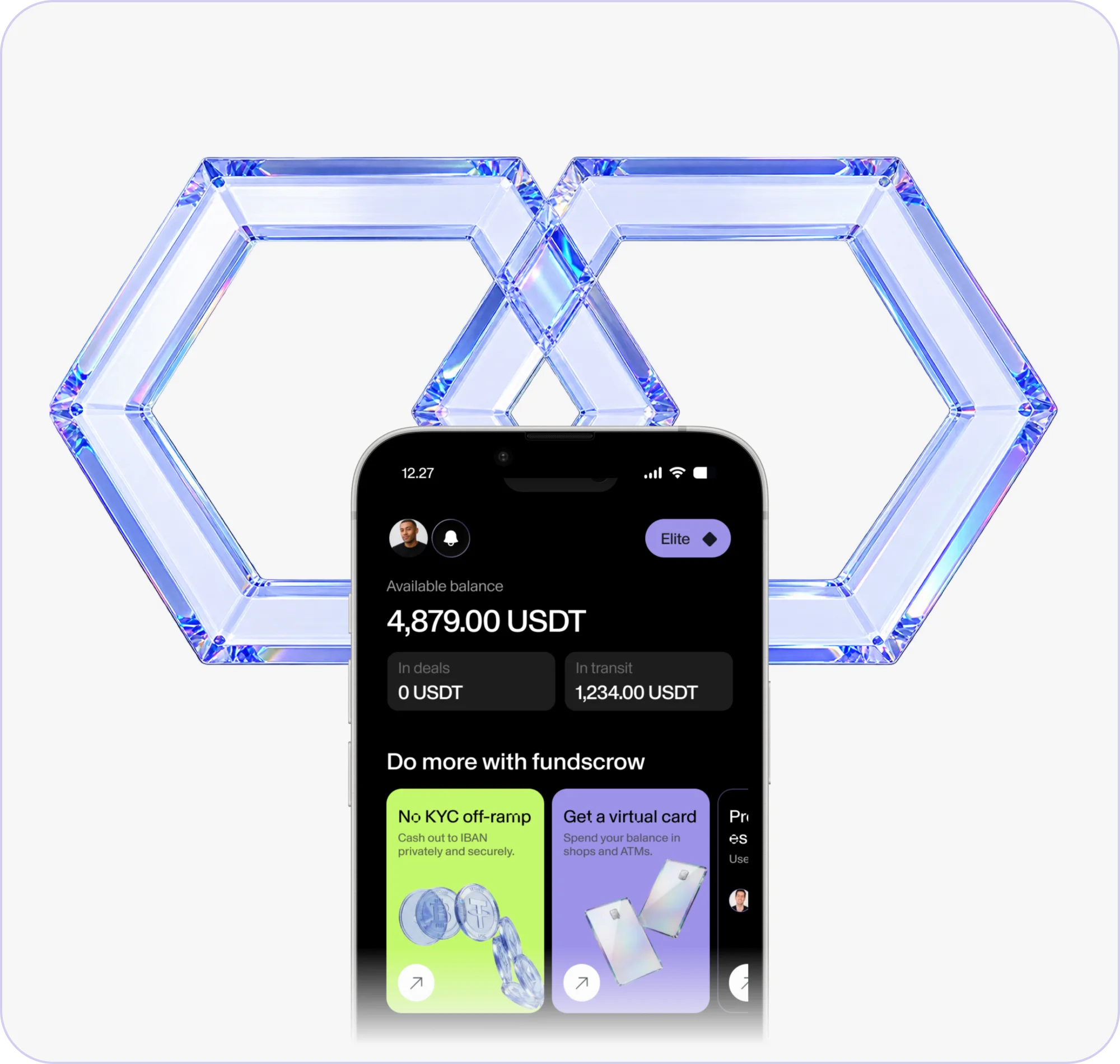
Keep the swapped asset in your Fundscrow balance until you need it, then use it with another supported Fundscrow service whenever the right moment arrives.
- Send it to another wallet
When you want to move crypto elsewhere, withdraw it on-chain to a compatible external address. Before sending, make sure both the asset and network match.
Use any supported escrow asset
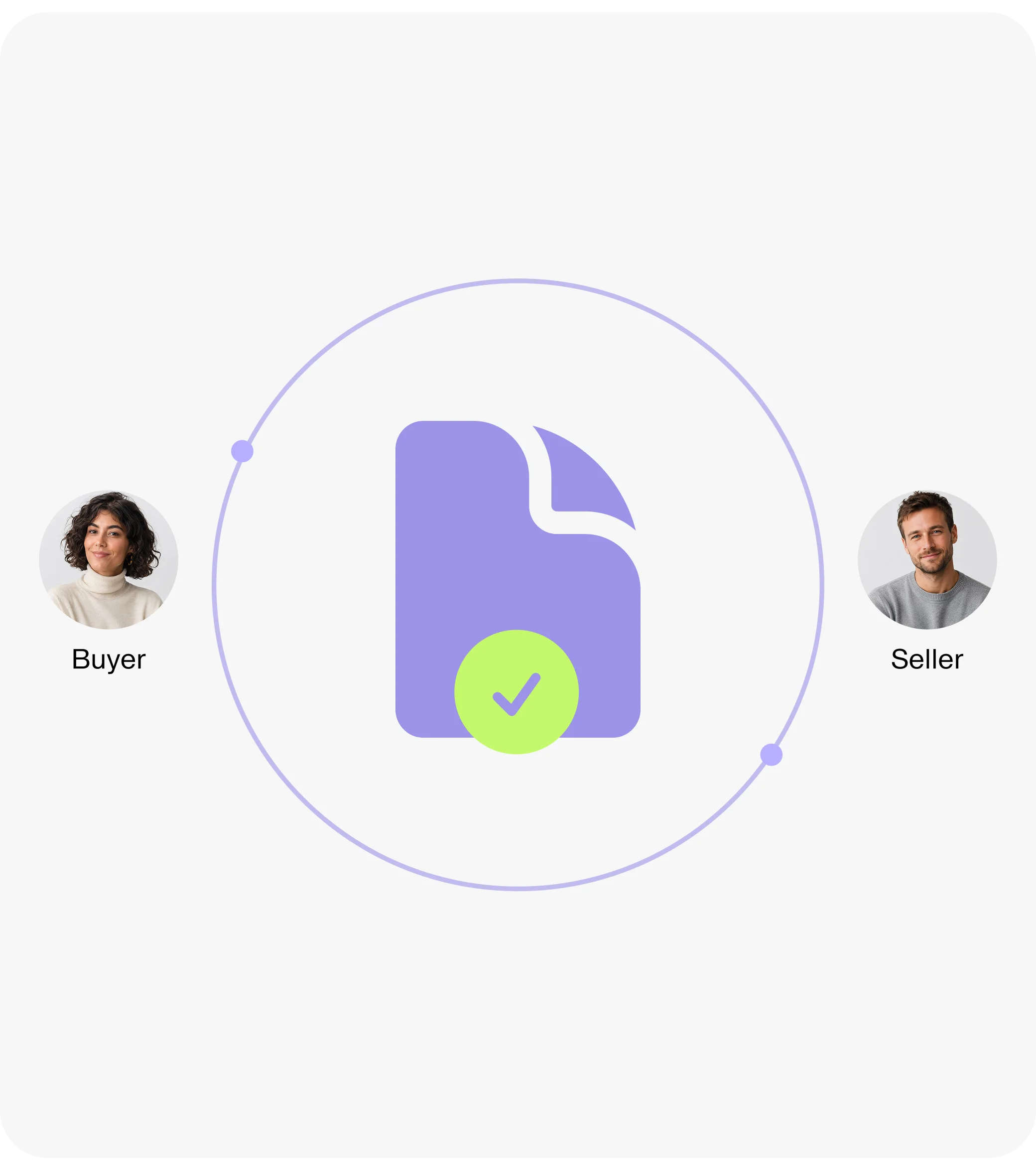
You can create an escrow deal in any asset Fundscrow currently supports. While the deal is active, the funds remain securely held and neither side can move them independently.
Once the deal settles, the released funds return to the available Fundscrow balance and can then be swapped into another supported asset.
Clear numbers before you confirm
Review all of these figures together and use the quote displayed immediately before confirmation. Rates can move, and a completed crypto swap cannot be reversed.
- Source asset
- The asset and amount leaving your available balance.
- Quoted rate
- The rate used to calculate your expected amount.
- Fee
- The charge for processing the swap.
- Expected amount
- The destination asset expected in your Fundscrow balance.
What protects the flow
- Custodial balance
Fundscrow records the assets held for your account.
- Deposit screening
Incoming on-chain funds are checked before crediting.
- Confirmation step
Nothing swaps until you approve the displayed figures.
FAQ
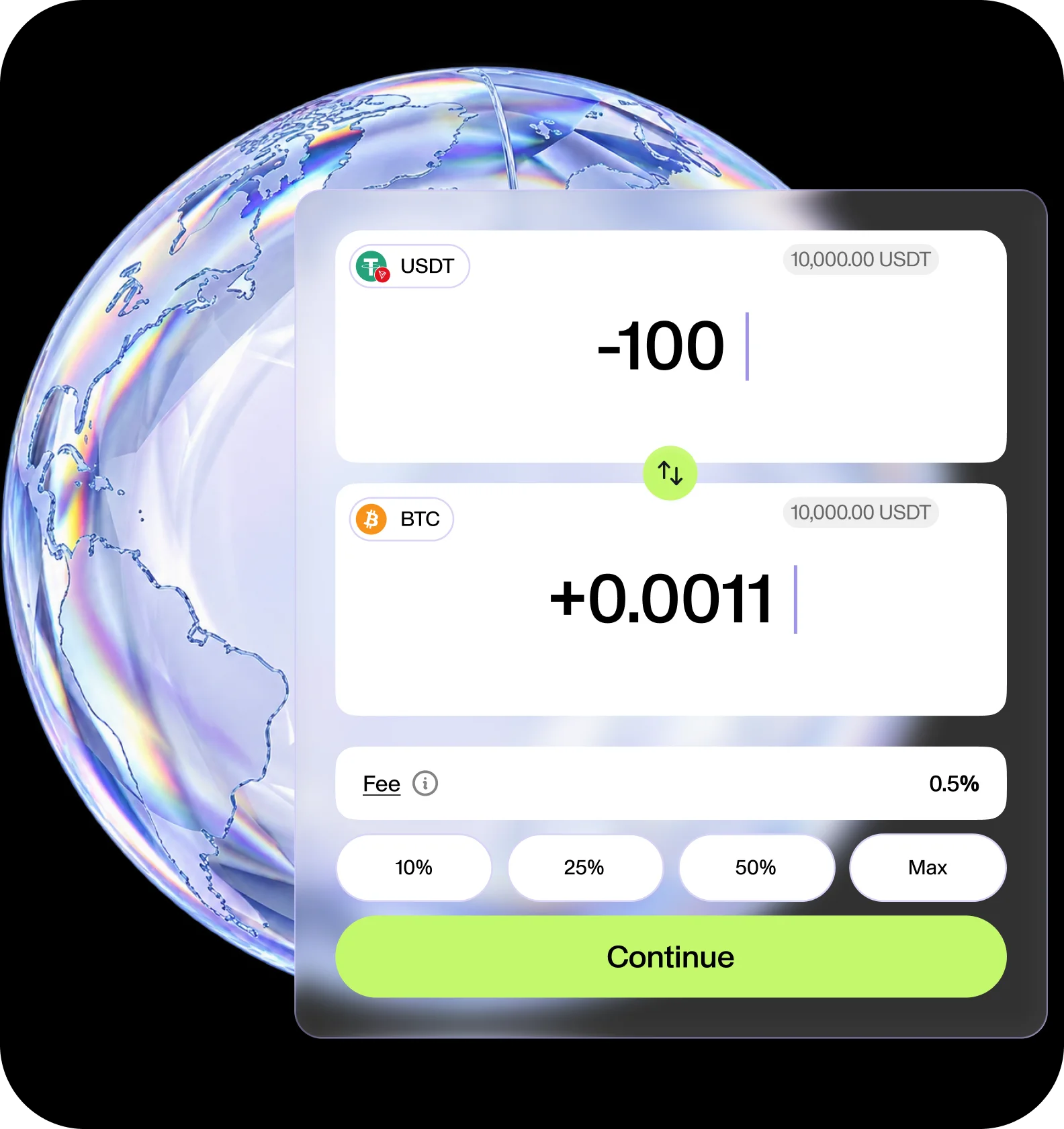
Swap what you hold into what you need
Bring supported crypto on-chain and swap it inside Fundscrow. Then keep it in your balance, use it for escrow, withdraw it on-chain, cash out to a bank account or swap into USDT to top up a virtual card.